
Ray Construction and Translation Demonstration
Loading the math board and drawing, please wait…
In collections
Fundamental Terms of Euclidean Geometry
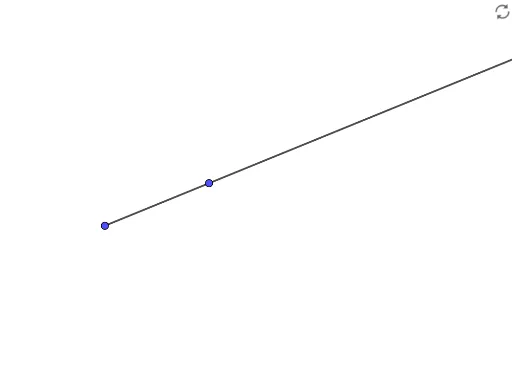
This GeoGebra example demonstrates the construction of a ray (Ray) starting from point A and passing through point B, while also showing its combination with a scatter plot, translation, special points, an exponential function, and a rectangle. The core mathematical concept is the definition of a ray—a line that starts at a point and extends infinitely in one direction—and its representation in coordinate geometry. The construction uses the GeoGebra command 'Ray' with objects A and B, and integrates additional elements such as scatter plots, translations, special point markers, and exponential function graphs to create a comprehensive geometric demonstration. This example is suitable for middle and high school students learning geometric construction, function graphing, and coordinate transformations, as well as for teachers to illustrate the properties of rays and their interactions with other mathematical objects in a classroom setting.
GeoGebra Commands & Parameters
Ray(A, B) → f
AI Drawing Prompt Reference
Draw a ray starting from point A and passing through point B, and show its relationship with a scatter plot, translation, special points, and an exponential function graph. First, create points A and B, then use the ray tool to connect A and B. Next, add a scatter plot, perform a translation, mark special points, and draw the exponential function graph.
The prompt above was compiled from the original drawing commands and is for reference only.