
Quadratic Equation Solver and Grapher
Loading the math board and drawing, please wait…
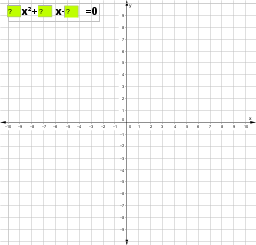
This example demonstrates how to solve quadratic equations in standard form [math]ax^2+bx+c=0[/math] using GeoGebra. Key mathematical concepts include methods for solving quadratic equations. By inputting coefficients a, b, and c, the quadratic function graph is constructed, and intersection commands are used to find the solutions. Suitable for middle school and above students to learn solving quadratic equations and graphing.
GeoGebra Commands & Parameters
Intersect(d, e, 2) → AIntersect(d, e, 1) → BTextfield(a) → inputBox1Textfield(b) → inputBox2Textfield(c) → inputBox3
AI Drawing Prompt Reference
Draw a parabola graph with axes and three input boxes. Users input coefficients a, b, and c, and the graph updates accordingly. The input boxes are for entering values, and the graph appears on the coordinate plane. Ensure the graph is clear and the axes and input boxes are positioned properly.
The prompt above was compiled from the original drawing commands and is for reference only.