
Pythagoras' Theorem with Areas
Loading the math board and drawing, please wait…
In collections
Pythagoras' Theorem
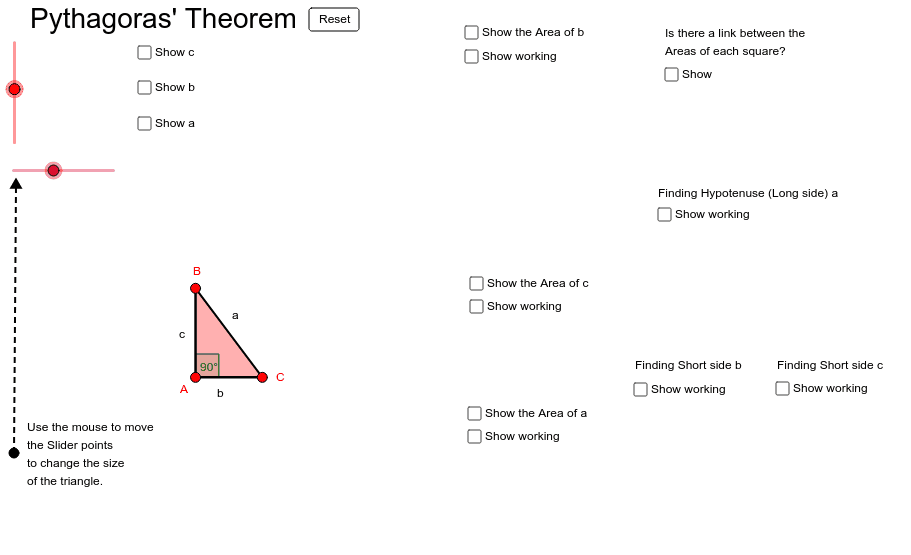
This example visually demonstrates Pythagoras' Theorem and calculates the areas of different parts. It shows how to construct geometric shapes using GeoGebra commands such as Intersect, Polygon, Distance, and Angle. Suitable for middle school and above students learning geometry and area calculation.
GeoGebra Commands & Parameters
Intersect(xAxis, yAxis) → APolygon(A, B, C) → poly1, c, a, bPolygon(B, C, 4) → poly2, b_1, c_1, d, e, D, EPolygon(C, A, 4) → poly4, c_3, a_2, h, i, H, IPolygon(A, B, 4) → poly3, a_1, b_2, f, g, F, GDistance(B, b) → distanceBbDistance(C, A) → distanceCAAngle(C, A, B) → αSegment(J, K) → d_1
AI Drawing Prompt Reference
Draw a right triangle ABC with A on the x-axis, B on the y-axis, and C in the first quadrant. Use the intersect command to find the origin O, then draw polygons ABC, BCD, CAE, and ABF, where D, E, and F are the midpoints of BC, CA, and AB, respectively. Calculate the lengths of the sides and the angle at C, and draw the auxiliary line segment d1.
The prompt above was compiled from the original drawing commands and is for reference only.