
Pyramid Construction Demo by sajid2k4
Loading the math board and drawing, please wait…
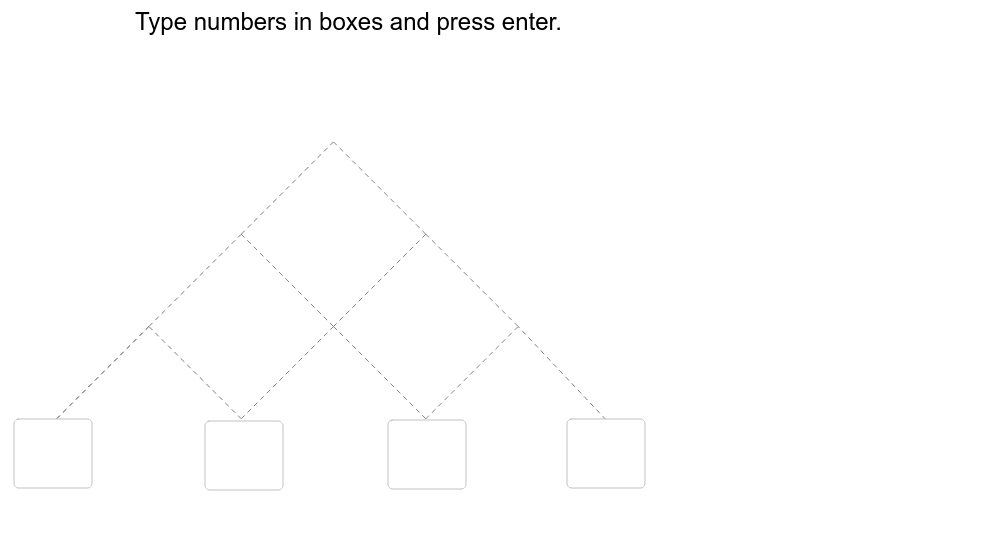
This example demonstrates the geometric construction and dynamic changes of a pyramid. It involves core mathematical concepts like solid geometry, geometric construction, and parametric equations. Construction highlights include commands like Segment, Textfield, Sequence, and objects such as v, w2, sp for dynamic width and height adjustments and data display. Suitable for high school students and math enthusiasts learning solid geometry and geometric construction.
GeoGebra Commands & Parameters
Segment(A, AB) → qaabSegment(AB, B) → qabbSegment(B, BC) → qbbcSegment(C, BC) → qcbcSegment(CD, C) → qcdcSegment(AB, ABBC) → qababbcSegment(BC, ABBC) → qbcabbcSegment(BCCD, BC) → qbccdbcSegment(CD, BCCD) → qcdbccdSegment(ABBC, ABBCBCCD) → qabbcabbcbccdSegment(BCCD, ABBCBCCD) → qbccdabbcbccdTextfield(atxt) → aboxTextfield(btxt) → bboxSegment(D, CD) → qdcdSegment(A, AB) → aabSegment(B, AB) → abbSegment(ABBC, AB) → abbcabSegment(BC, ABBC) → bcabbcSegment(ABBCBCCD, ABBC) → abbcbccdabbcSegment(ABBCBCCD, BCCD) → abbcbccdbccdSegment(CD, BCCD) → cdbccdSegment(D, CD) → dcdSegment(B, BC) → bbcSegment(BCCD, BC) → bccdbcSegment(CD, C) → cdcSegment(C, BC) → cbcTextfield(ctxt) → cboxTextfield(dtxt) → dboxSequence({Text[Element[Element[data, n], 1], G + (0, (n * sp))], Text[Element[Element[data, n], 2], G + (w2, (n * sp))], Text[Element[Element[data, n], 3], G + ((2 * w2), (n * sp))], Text[Element[Element[data, n], 4], G + ((3 * w2), (n * sp))], Text[Element[Element[data, n], 5], G + (w2 / 2, w2 / 2 + (n * sp))], Text[Element[Element[data, n], 6], G + ((3 * w2 / 2), w2 / 2 + (n * sp))], Text[Element[Element[data, n], 7], G + ((5 * w2 / 2), w2 / 2 + (n * sp))], Text[Element[Element[data, n], 8], G + ((2 * w2 / 2), (4 * w2 / 3) + (n * sp))], Text[Element[Element[data, n], 9], G + ((4 * w2 / 2), (4 * w2 / 3) + (n * sp))], Text[Element[Element[data, n], 10], G + ((3 * w2 / 2), (8 * w2 / 4) + (n * sp))]}, n, 1, Length[data]) → SS
AI Drawing Prompt Reference
Draw a pyramid to demonstrate its geometric construction and dynamic changes, including the base and sides, with adjustable width and height, and display relevant data, constructed from the base edges, gradually connecting to form the sides, and finally labeling key data with text fields.
The prompt above was compiled from the original drawing commands and is for reference only.