
Puzzle in the Squared Notebook
Loading the math board and drawing, please wait…
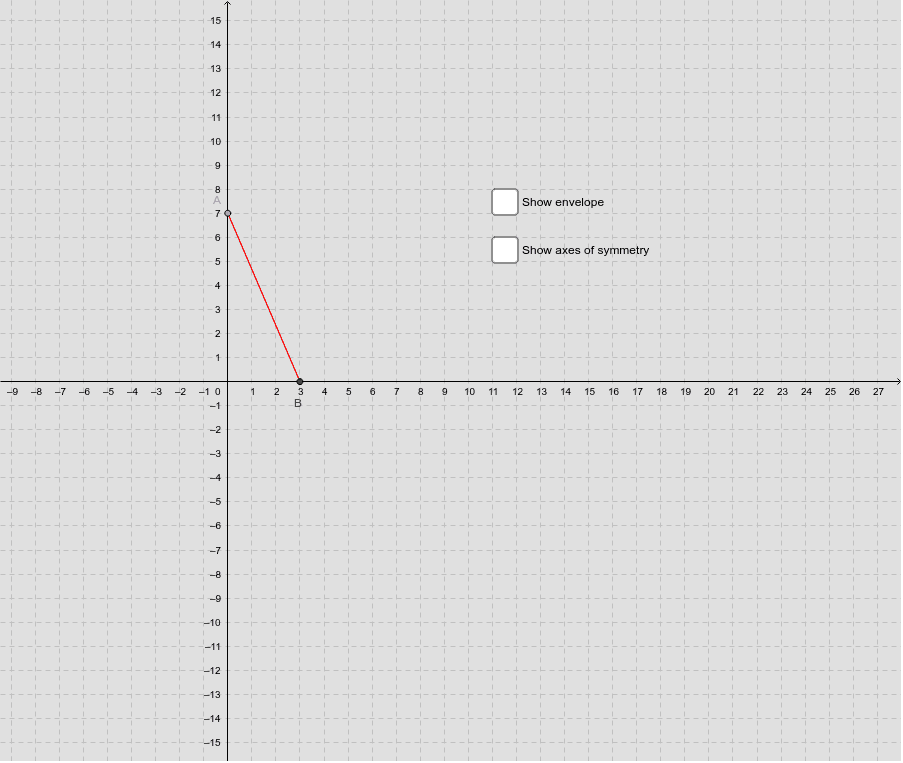
This example demonstrates a geometric puzzle constructed in a squared notebook, revealing a surprising result. It involves core mathematical concepts such as coordinate geometry, inequalities, and geometric construction. The construction uses GeoGebra commands like Point, Intersect, Segment, Circle, and Envelope. Suitable for high school students to explore geometric constructions and properties.
GeoGebra Commands & Parameters
Point(yAxis) → FIntersect(xAxis, yAxis) → CSegment(C, F) → dPoint(xAxis) → B_1Point(d) → ASegment(A, C) → aCircle(B_1, a) → cIntersect(c, xAxis) → B, ESegment(A, B) → bEnvelope(b, A) → f
AI Drawing Prompt Reference
Draw a horizontal and a vertical line intersecting at the origin in a squared notebook. Connect the origin to a point on the horizontal line. Draw a line segment from the intersection point to the midpoint of this segment. Create a circle with the point on the horizontal line as the center and the midpoint as the radius. The circle intersects the horizontal line at two points. Connect the midpoint to one of these points, then draw all parallel lines to this segment, forming a curve that reveals a geometric puzzle.
The prompt above was compiled from the original drawing commands and is for reference only.