
Protractor Example
Loading the math board and drawing, please wait…
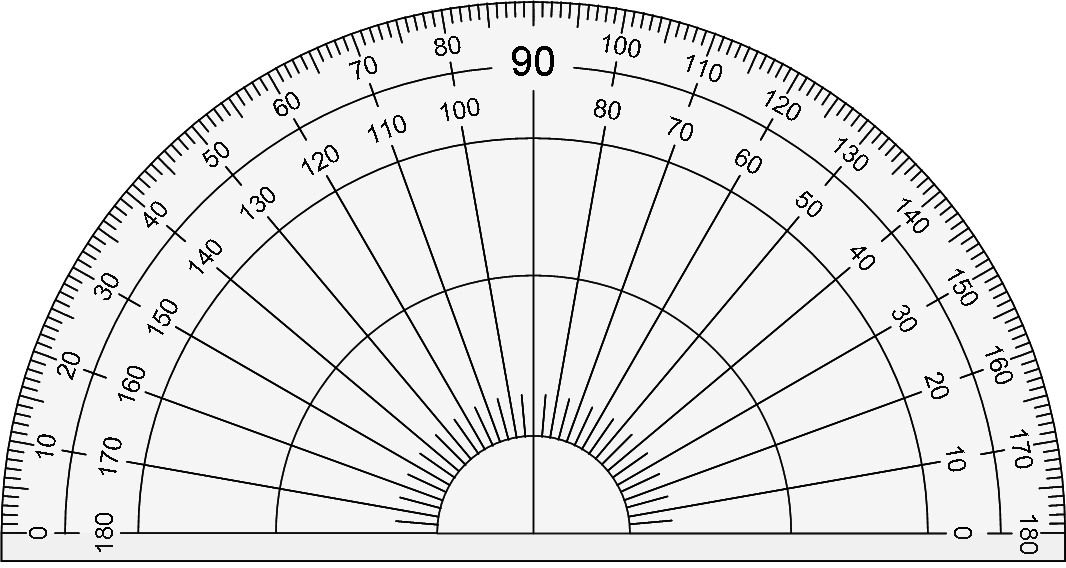
This example demonstrates constructing an adjustable angle measuring tool using GeoGebra, involving core concepts like angles, geometric transformations, and coordinate geometry. Key GeoGebra commands and objects used include Sequence, Point, Segment, Intersect, Random, Angle, Rotate, and Textfield to create the angle measurement functionality, suitable for high school mathematics teaching on geometric constructions and angle concepts.
GeoGebra Commands & Parameters
Sequence(((6 * cos(θ°)), (6 * sin(θ°))), θ, 0, 359) → list1Point(list1) → QSegment((0, 0), Q) → hPoint(list1) → PSegment((0, 0), P) → gIntersect(h, g) → RRandom(0, 240) → mPoint(Circle[A, 5]) → BAngle(P, (0, 0), Q) → αRandom(10, 180) → lRotate(P, n, (0, 0)) → P'Rotate(g, κ, R) → LRotate(L, τ, R) → g'Point(g') → GPoint(L) → HAngle(L, g') → βTextfield(Ω) → inputBox1Angle(h, g) → δ
AI Drawing Prompt Reference
Draw an adjustable protractor diagram. Start with a circle centered at the origin with radius 6, and place 360 points evenly along its circumference to form a scale ring. From the center, draw two rays to two points on this circle, and mark their intersection. Then draw another circle of radius 5 and place a point on it for dynamic adjustment. Rotate one of the rays around the center by a random angle, and rotate the other ray based on the intersection point to form a new angle. Place points on the rotated rays, measure and display the angle between them. Finally, add an input box for manual angle entry, and display the angle between the original two rays. The overall figure includes circles, rays, intersection points, angle labels, and an input box to demonstrate angle measurement and adjustment.
The prompt above was compiled from the original drawing commands and is for reference only.