
Practice: Construct an Equilateral Triangle
Loading the math board and drawing, please wait…
In collections
Geometry with Coach Suzzette
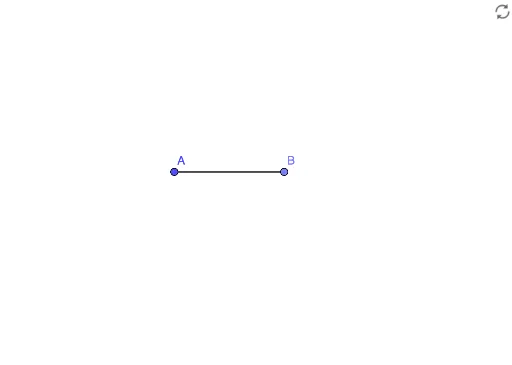
① This example demonstrates how to construct an equilateral triangle from a given segment using GeoGebra's geometric construction tools. ② The core mathematical concept is the definition of an equilateral triangle (all sides equal) and the principles of compass-and-straightedge construction, where circles centered at the endpoints with radius equal to the segment length determine the third vertex. ③ Construction details: Based on the summary, the Point command creates points A and B, and the Segment command creates segment f; then two circles are drawn with centers A and B and radius f, and their intersection gives the third vertex C, which is connected to A and B to complete the triangle. ④ This is suitable for middle school geometry beginners to practice, and for teachers to demonstrate rigorous construction steps in class, helping students understand the logic and precision of geometric construction.
GeoGebra Commands & Parameters
Point(Circle[A, 3]) → BSegment(A, B) → f
AI Drawing Prompt Reference
Draw an equilateral triangle by first drawing a segment, then using its endpoints as centers and the segment's length as the radius to draw two circles. The intersection points of the circles will be the triangle's third vertex. Connect the three vertices to form the equilateral triangle.
The prompt above was compiled from the original drawing commands and is for reference only.