
Placing Numbers on a Number Line (up to 30)
Loading the math board and drawing, please wait…
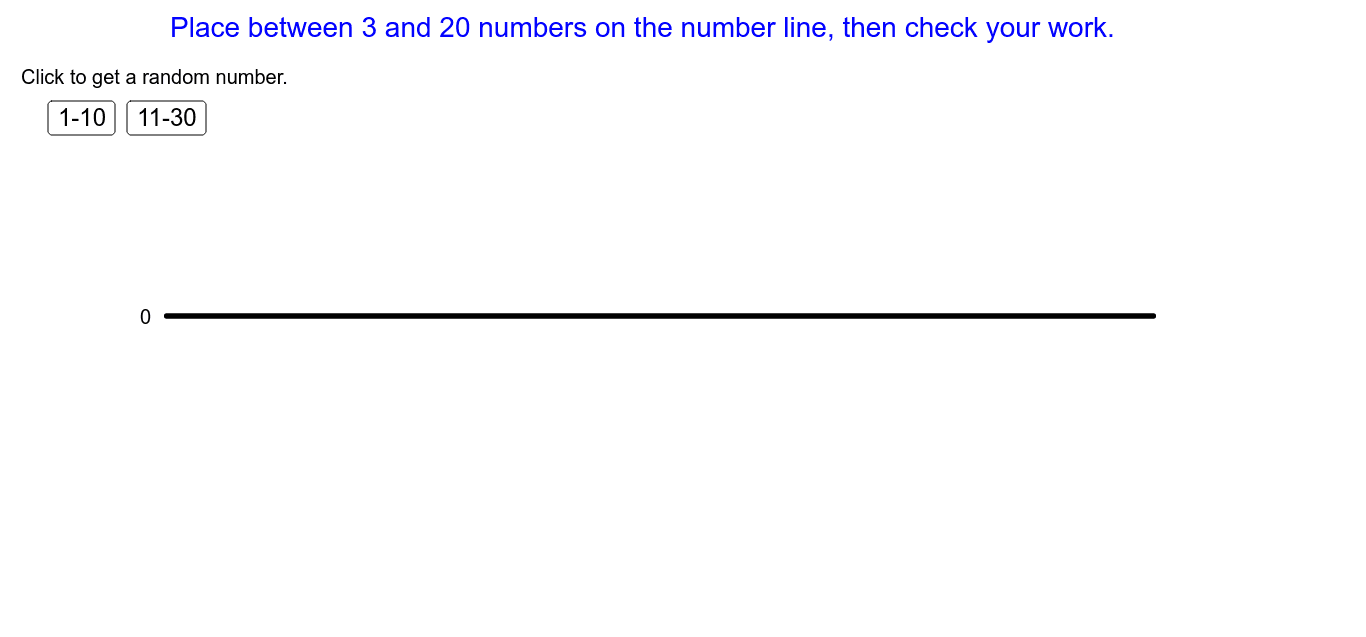
This example demonstrates the process of accurately placing numbers on a number line. Key math concepts include number line, value comparison, and coordinate positioning. GeoGebra commands used in construction are Shuffle (randomize), Point (create points), Segment (draw segments), Reverse (reverse order), Take (select elements), Order (sort), and hide (hide objects). Suitable for elementary and middle school students to understand number line concepts and value ordering.
GeoGebra Commands & Parameters
Shuffle({1, 2, 3, 4, 5, 6, 7, 8, 9, 10}) → singlePoint(xAxis) → UPoint(xAxis) → VSegment(U, V) → aReverse(Sort[Order]) → SortOrderReverse(Sort[{XA, XB, XC, XD, XE, XF, XG, XH, XI, XJ, XK, XL, XM, XN, XO, XP, XQ, XR, XS, XT}]) → PlacementTake(Shuffle[Sequence[i, i, 11, 30, 1]], 1, 10) → double
AI Drawing Prompt Reference
Draw a number line from 0 to 30, randomly place 10 numbers (1 to 10) on it, then sort these numbers from smallest to largest and mark them on the number line.
The prompt above was compiled from the original drawing commands and is for reference only.