
Perimeter Measurement and Unit Conversion Exercise
Loading the math board and drawing, please wait…
In collections
Wiederholung: Längen- und Flächenmaße
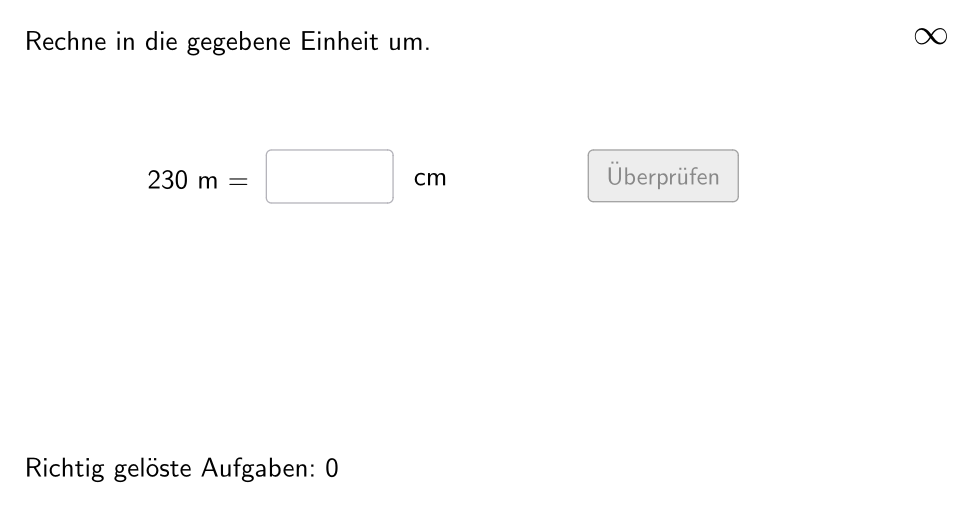
This example demonstrates how to calculate the perimeter of polygons using GeoGebra and perform unit conversions. Key mathematical concepts include measurement of area and perimeter, unit conversion, and geometric construction techniques. Construction involves using GeoGebra commands like Sequence, Element, and If to dynamically adjust polygon side lengths and units. Suitable for students in grades 5-6 to reinforce measurement and unit conversion skills.
GeoGebra Commands & Parameters
Sequence(If[¬allowDecimalNumbers, Random[1, 1000], Random[1, 10000] / Element[{10, 100, 1000}, Random[1, 3]]], i, 1, 100) → randomNumbersElement(randomNumbers, Mod[questionCount, Length[randomNumbers]] + 1) → randomNumberSequence(Random[1, Length[numberMatchingUnits]], i, 1, 100) → randomUnitsLeft, {1, 2, 5, 2, 3, 1, 1, 2, 4, 5, 1, 1, 1, 1, 2, 5, 2, 5, 3, 1, 3, 3, 4, 4, 1, 4, 4, 3, 1, 3, 5, 1, 3, 3, 3, 3, 5, 4, 5, 5, 5, 3, 1, 1, 4, 1, 3, 4, 5, 4, 5, 3, 4, 4, 4, 2, 5, 1, 3, 2, 5, 3, 4, 2, 1, 4, 1, 1, 4, 5, 3, 2, 3, 4, 1, 1, 2, 5, 5, 4, 5, 3, 3, 5, 4, 2, 2, 5, 2, 2, 4, 1, 2, 3, 3, 4, 3, 1, 3, 5}Element(randomUnitsLeft, Mod[questionCount, Length[randomUnitsLeft]] + 1) → actualUnitLeftElement(allowedUnits, actualUnitLeft) → actualAllowedUnitsElement(actualAllowedUnits, Random[2, Length[actualAllowedUnits]]) → actualUnitRightInfoElement(actualUnitRightInfo, 1) → actualUnitRightElement(actualUnitRightInfo, 2) → actualUnitRightFactorIf(unitLeftSmaller, round(((randomNumber * actualUnitRightFactor) * 1000)) / 1000, randomNumber) → valueRightTextfield(inputNumber) → inputBox1Defined(inputNumber) → clickableBtnValidateIf(unitLeftSmaller, randomNumber, round(((randomNumber * actualUnitRightFactorInvers) * 1000)) / 1000) → valueLeft
AI Drawing Prompt Reference
Draw an elementary school math practice interface showing a polygon such as a pentagon or hexagon with side length measurements displayed nearby. Include an input box and validation button at the bottom. The screen displays a unit conversion problem, such as converting centimeters to meters or millimeters to centimeters, with the numbers related to the polygon's side lengths. The numbers are clearly visible, presenting an educational app style suitable for grade 5-6 students.
The prompt above was compiled from the original drawing commands and is for reference only.