
Part-Part-Whole Model with Bars and Circles
Loading the math board and drawing, please wait…
In collections
Concrete-Pictorial-Abstract and the Teaching for Mastery
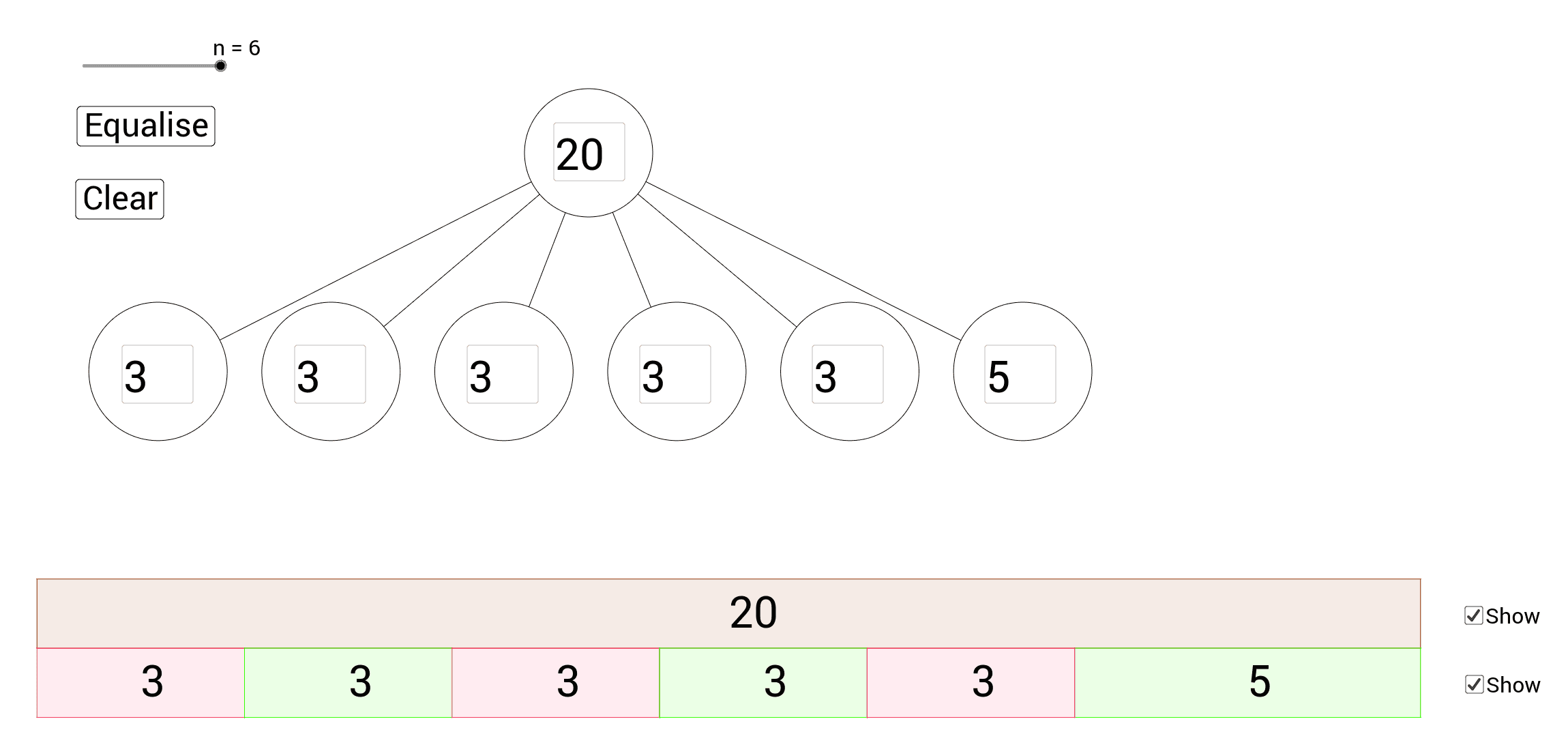
This example uses bars and circles to demonstrate the part-part-whole model. It involves core mathematical concepts of addition and subtraction. Using GeoGebra commands such as Sequence, Circle, Textfield, Mod, Div, Polygon, etc., it dynamically illustrates mathematical concepts. Suitable for high-grade elementary and junior high school students.
GeoGebra Commands & Parameters
Sequence(Circle[(8 + (2.5 * (i - (n + 1) / 2)), -5), 1], i, 1, n) → list1Circle(A, B) → cSequence(JoinCircles[c, Element[list1, i]], i, 1, n) → list2Corner(1) → C_1Corner(3) → C_3Corner(5) → C_5Sequence("SetCoords[A" + (i) + ",x(Center[Element[list1," + (i) + "]])/pixely,-y(Center[Element[list1," + (i) + "]])/pixelx]", i, 1, n) → list3Textfield(B1) → A1Textfield(B2) → A2Textfield(B3) → A3Textfield(B4) → A4Textfield(B5) → A5Textfield(B6) → A6Textfield(total) → InputBox1Sequence("SetValue[B" + (i) + ",div + mod*(" + (i) + "==n)]", i, 1, n) → list4Mod(total, n) → modDiv(total, n) → divSequence("SetValue[B" + (i) + ",?]", i, 1, n) → list5Polygon(D, C, F, E) → poly1, d, c_1, f, ePolygon(G, H, N, E) → poly2, g, h, n_1, e_1Polygon(H, I, O, N) → poly3, h_1, i, o, n_2Polygon(I, J, P, O) → poly4, i_1, j, p, o_1Polygon(J, K, Q, P) → poly5, j_1, k, q, p_1Polygon(L, M, S, R) → poly7, m, s, t, aPolygon(K, L, R, Q) → poly6, k_1, l, r, q_1Text(total, (E + C) / 2 - (0, 0.2)) → text1Text(B1, (G + N) / 2 - (0, 0.2)) → C1Text(B2, (H + O) / 2 - (0, 0.2)) → C2Text(B3, (I + P) / 2 - (0, 0.2)) → C3Text(B4, (J + Q) / 2 - (0, 0.2)) → C4Text(B5, (K + R) / 2 - (0, 0.2)) → C5Text(B6, (L + S) / 2 - (0, 0.2)) → C6