
Parametric Representation of a Hyperbola
Loading the math board and drawing, please wait…
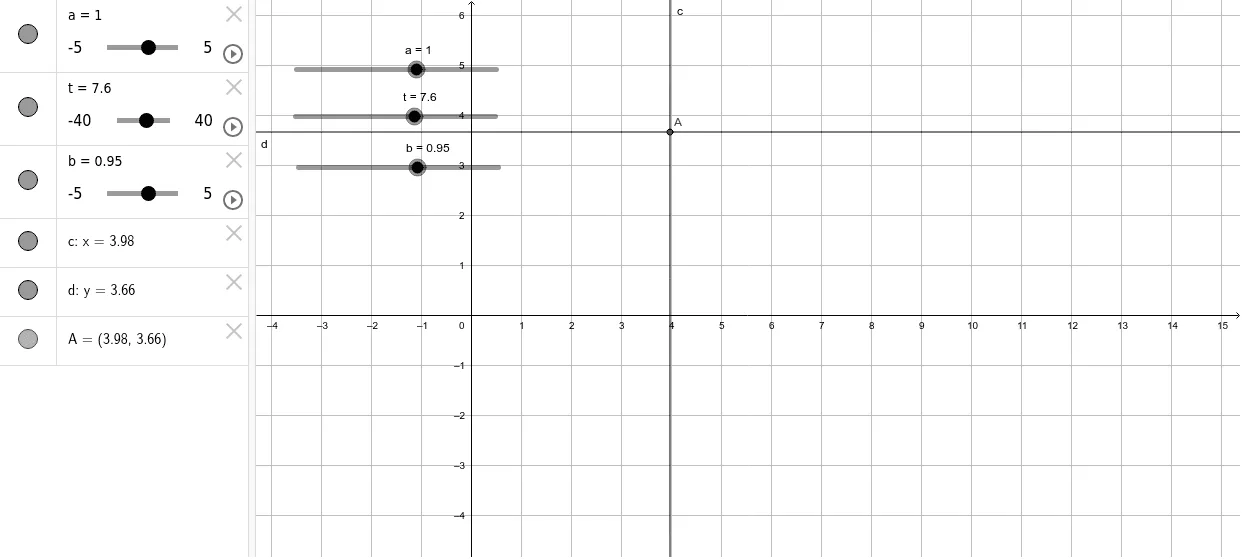
This example demonstrates the geometric construction and visualization of a hyperbola using parametric equations. It focuses on the core concepts of coordinate geometry, specifically how a point moves along a hyperbolic path as a parameter changes. The construction utilizes the 'Intersect' command in GeoGebra, employing objects such as parameter t and auxiliary points a, b, c, d, and A to define the curve's properties. This tool is ideal for high school or early college students studying analytic geometry to visualize the relationship between parametric variables and conic sections.
GeoGebra Commands & Parameters
Intersect(c, d) → A
AI Drawing Prompt Reference
Draw a hyperbola using parametric representation. Start with two auxiliary curves that define the geometric constraints of the hyperbola. Place a moving point at their intersection, which traces the hyperbolic path as the parameter changes. The figure should clearly show both branches of the hyperbola and indicate the position of the moving point for varying parameter values. The overall layout should illustrate the relationship between parametric variables and conic sections in coordinate geometry, suitable for educational demonstration.
The prompt above was compiled from the original drawing commands and is for reference only.