
Parallelogram Properties Demonstration
Loading the math board and drawing, please wait…
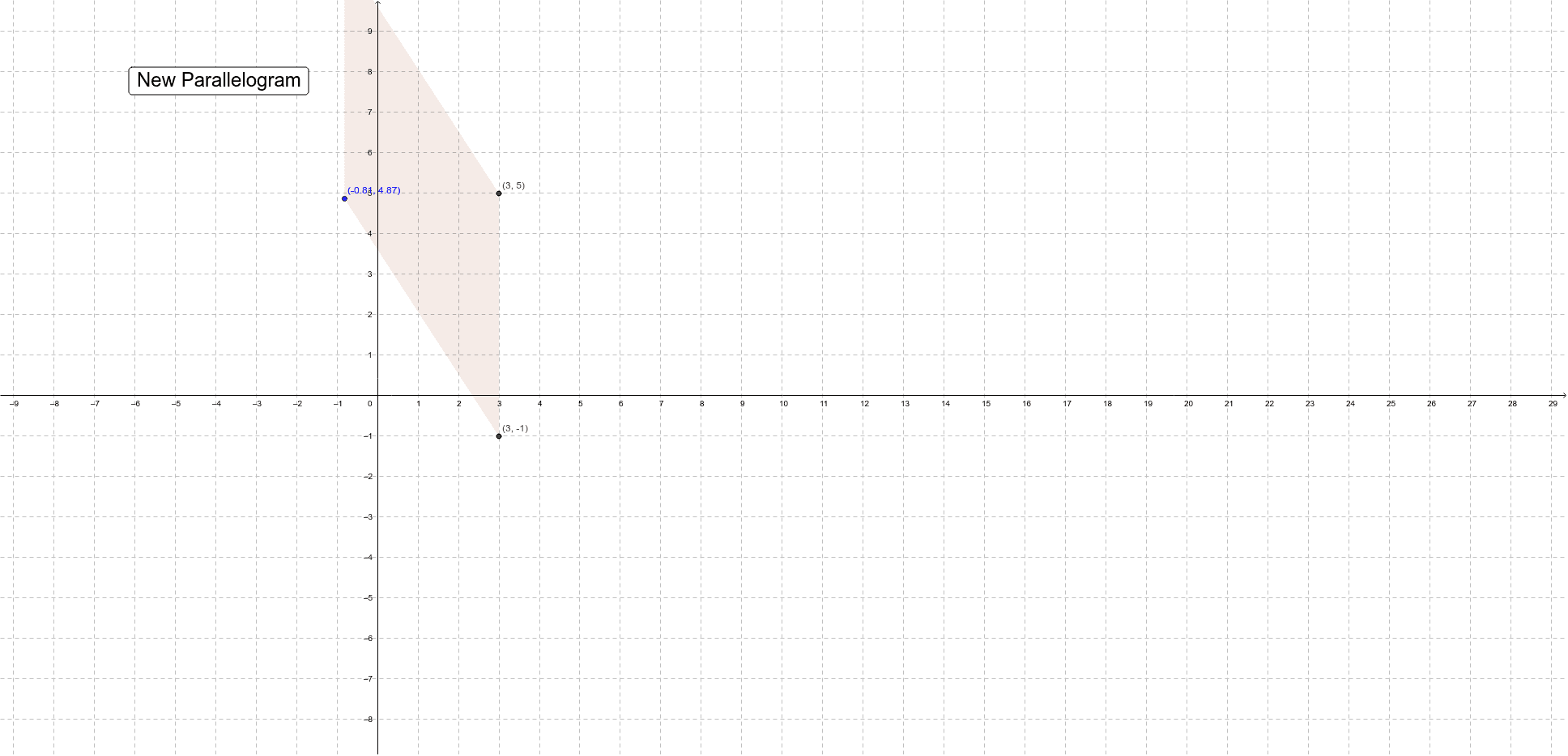
This example generates a random parallelogram in the coordinate plane to help students assess its properties. Key mathematical concepts include the definition of a parallelogram, relationships between side lengths and angles, and area calculations. Construction involves GeoGebra commands such as Random, Polygon, and Rotate, using objects like B, A, b, a, etc. It is suitable for middle or high school mathematics courses for geometric visualization and hands-on practice.
GeoGebra Commands & Parameters
Random(-5, 5) → bRandom(-5, 5) → aRandom(1, 3) → typeRandom(0, 6) → cPolygon(A', B', C', D') → poly1, a', b', c', d'Polygon(A', B'', C'', D'') → poly2, a'_1, b'', c'', d''Rotate(B', α, A') → B'''Rotate(C', α, D') → C'''Polygon(A', B''', C''', D') → poly3, a'_2, b''', c''', d'_1
AI Drawing Prompt Reference
Generate a random parallelogram in the coordinate plane to demonstrate its properties, including side lengths, angles, and area calculations. Start by selecting two random points as vertices, then construct parallel line segments and rotate one side to find the remaining vertices, finally connecting all points to form the parallelogram and labeling key geometric features.
The prompt above was compiled from the original drawing commands and is for reference only.