
Parallelogram Manipulatives
Loading the math board and drawing, please wait…
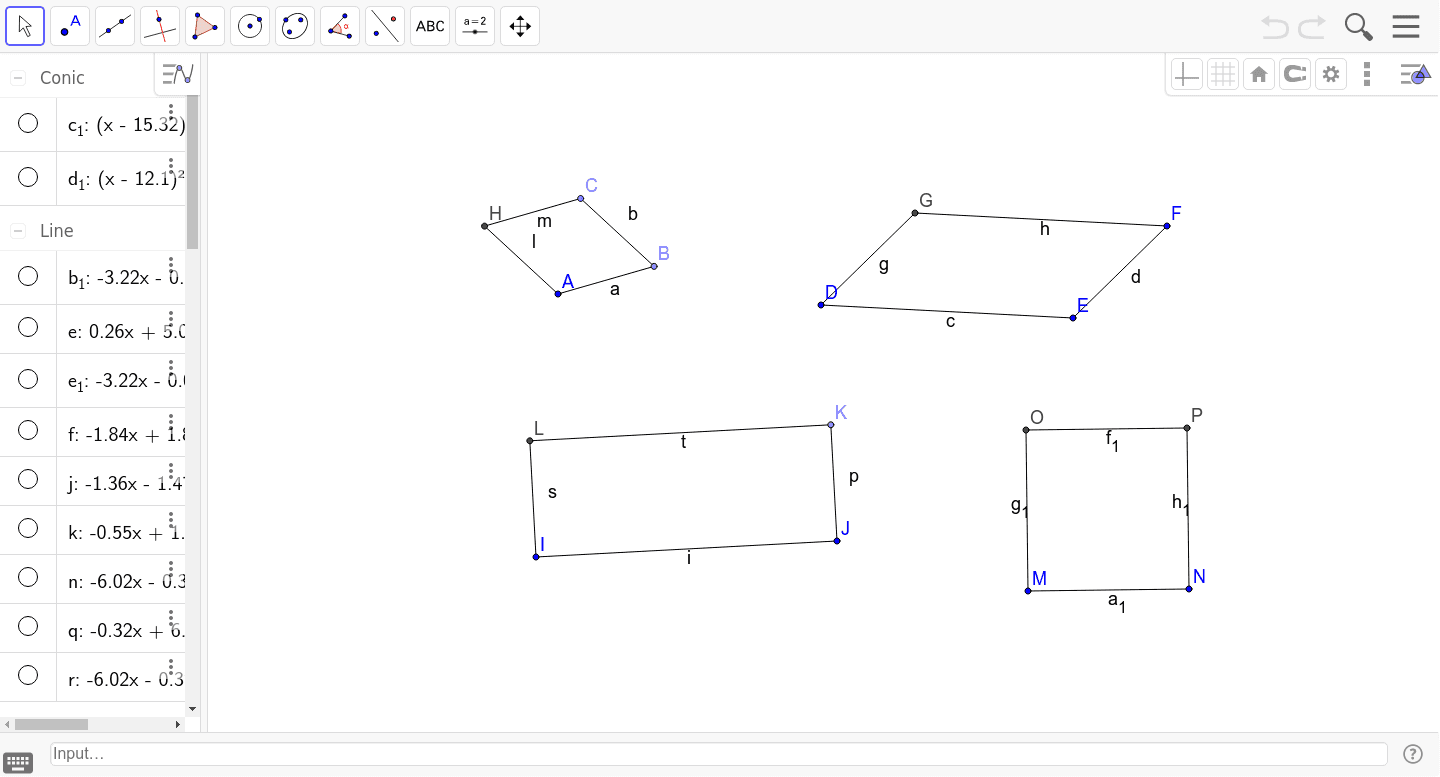
① This example provides interactive parallelograms that students can drag and explore to discover their geometric properties. ② Core math concepts include the definition of a parallelogram, opposite sides parallel and equal, diagonals bisecting each other, and special cases like rectangles and rhombi. ③ Construction uses GeoGebra commands such as Point, Segment, Line, Intersect, OrthogonalLine, and Circle to create vertices, sides, diagonals, and auxiliary circles for verifying equal lengths. ④ Suitable for middle school geometry lessons or self-study, enabling dynamic investigation of parallelogram properties and related transformations.
GeoGebra Commands & Parameters
Point(Circle[A, 2]) → BSegment(A, B) → aPoint(Circle[B, 2]) → CSegment(B, C) → bLine(A, b) → jLine(C, a) → kIntersect(j, k) → HSegment(A, H) → lSegment(H, C) → mSegment(D, E) → cSegment(E, F) → dLine(F, c) → eLine(D, d) → fIntersect(e, f) → GSegment(D, G) → gSegment(G, F) → hSegment(I, J) → iOrthogonalLine(J, i) → nPoint(n) → KSegment(J, K) → pLine(K, i) → qLine(I, n) → rIntersect(q, r) → LSegment(I, L) → sSegment(L, K) → tSegment(M, N) → a_1OrthogonalLine(N, a_1) → b_1Circle(N, M) → c_1Circle(M, N) → d_1OrthogonalLine(M, a_1) → e_1Intersect(d_1, e_1, 2) → OIntersect(c_1, b_1, 2) → PSegment(O, P) → f_1Segment(O, M) → g_1Segment(P, N) → h_1
AI Drawing Prompt Reference
Draw a parallelogram with points A, B, C, and D, and line segments AB, BC, AD, and DC. Include diagonals AC and BD. Explore the properties of the parallelogram by dragging the points, such as opposite sides being parallel and equal, and diagonals bisecting each other.
The prompt above was compiled from the original drawing commands and is for reference only.