
Parallelogram Area Derivation and Demonstration (Material 4)
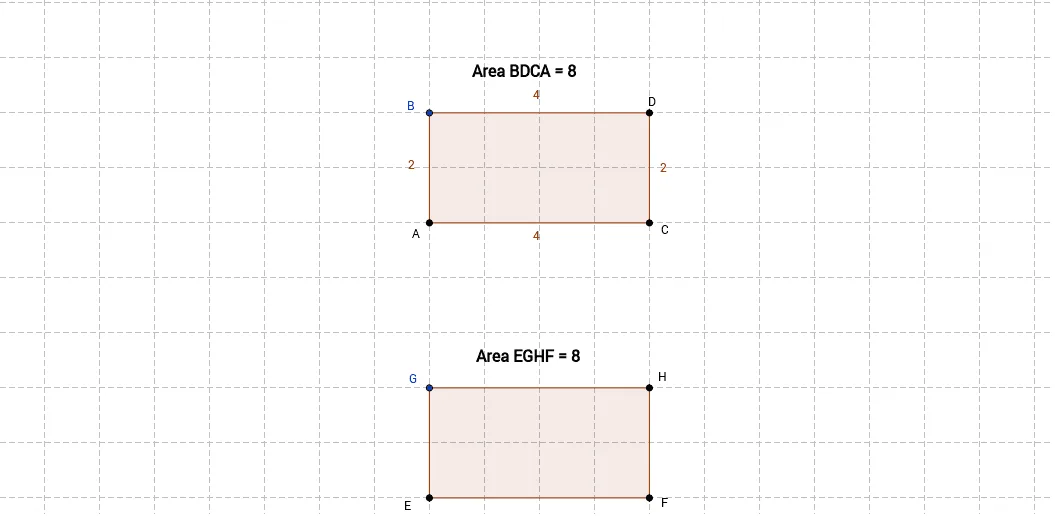
This GeoGebra applet is designed to demonstrate and derive the area formula of a parallelogram through dynamic geometric visualization. Using geometric construction commands, the applet builds a parallelogram along with auxiliary shapes to visually illustrate the area transformation between a parallelogram and a rectangle. The core concept demonstrated is that a parallelogram can be rearranged into a rectangle of equal area by cutting off a right triangle from one side and translating it to the opposite side. This visual proof shows that the area of a parallelogram equals its base multiplied by its height, just as the area of a rectangle equals length times width.
Students interact with the construction by dragging vertices of the parallelogram to observe how the shape changes while maintaining constant area relationships. The applet highlights the perpendicular height from the base to the opposite side, reinforcing that only the vertical distance matters for area calculation, not the slant length of the sides. Color-coded regions trace the transformation process, making abstract geometric reasoning concrete and accessible.
The applet serves as an interactive teaching tool for middle school and high school geometry curricula. By animating the step-by-step derivation from parallelogram to rectangle, it helps learners internalize the formula A = base × height rather than memorizing it passively. The dynamic nature allows teachers to pose questions such as "What happens to the area when we change the base but keep the height constant?" or "Does tilting the parallelogram affect its area?" and then demonstrate the answers in real time. This applet represents an important interactive courseware for geometry area instruction, transforming traditional static textbook diagrams into engaging, hands-on mathematical exploration.
Loading the math board and drawing, please wait…