
Parallelogram and Point Symmetry
Loading the math board and drawing, please wait…
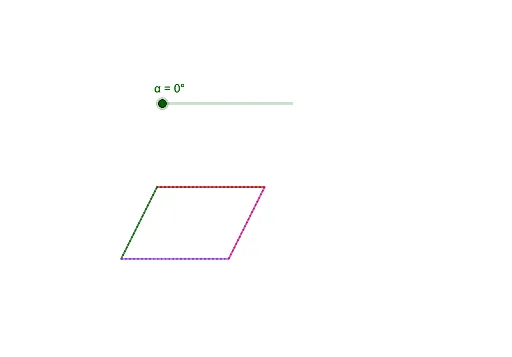
This example demonstrates the geometric properties of a parallelogram under point symmetry. Key mathematical concepts include symmetry transformations, parallelogram definition, and construction techniques. The construction involves GeoGebra commands such as Segment and Rotate to create symmetric figures. Suitable for middle or high school geometry learning to understand symmetry and transformations.
GeoGebra Commands & Parameters
Segment(D, A) → fSegment(A, B) → gSegment(B, C) → hSegment(C, D) → iRotate(C, α, E) → C'Rotate(D, α, E) → D'Segment(C', D') → i'Rotate(D, α, E) → D'_1Rotate(A, α, E) → A'Segment(D'_1, A') → f'Rotate(A, α, E) → A'_1Rotate(B, α, E) → B'Segment(A'_1, B') → g'Rotate(B, α, E) → B'_1Rotate(C, α, E) → C'_1Segment(B'_1, C'_1) → h'
AI Drawing Prompt Reference
Draw a parallelogram. Choose a point inside it to serve as the center of symmetry. Using a specified angle, rotate each vertex of the parallelogram around this center to create a second, smaller parallelogram. Connect the rotated vertices to complete the inner shape. The resulting figure demonstrates point symmetry, with the original and rotated parallelograms sharing the same center and oriented according to the rotation angle. This construction illustrates how a shape can be transformed through rotation while preserving its geometric properties.
The prompt above was compiled from the original drawing commands and is for reference only.