
Parallel Line Construction: Dynamic Geometry Demonstration
Loading the math board and drawing, please wait…
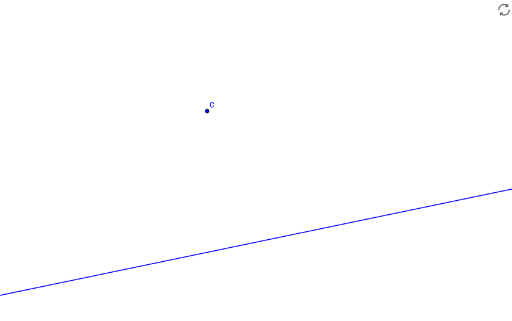
① This example demonstrates how to construct a line parallel to a given line through an external point using GeoGebra, with a step-by-step interactive workflow. ② The core mathematical concepts involve the properties and construction of parallel lines, including direction vectors, line equations, and the logical steps of geometric construction. ③ Construction details: Based on the summary, the Line command is used to create lines, with objects including points B and A, line step1, text1, a showAnswer toggle, line b, point C, target line target1, and a finished marker. These objects form an interactive sequence where users can observe how a parallel line is derived from a given line and point, possibly through auxiliary constructions or vector relationships. ④ This resource is suitable for middle school to high school students learning plane geometry, and for teachers to demonstrate the dynamic verification of parallel line properties, enhancing understanding of rigorous geometric construction.
GeoGebra Commands & Parameters
Line(A, B) → bLine(C, b) → target1