
Multiplication Table Quiz 16-19
Loading the math board and drawing, please wait…
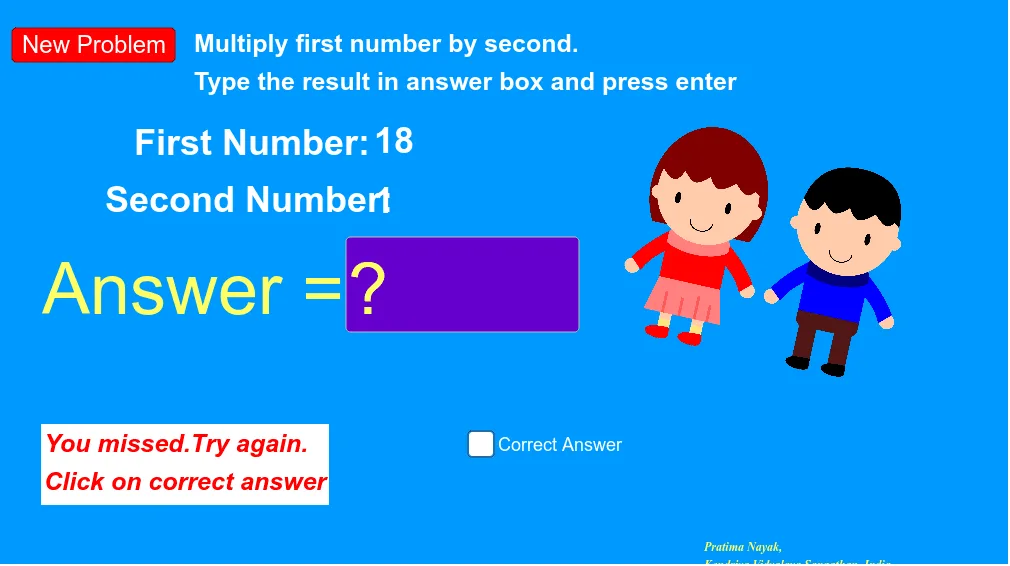
This example demonstrates an interactive quiz interface for practicing multiplication tables from 16 to 19. It involves core mathematical concepts such as multiplication operations and random number generation. Key GeoGebra commands and objects used include Random for generating random numbers, Textfield for text input and display, buttons (button1, button2) for interaction, variables (a, b, c), InputBox2, geometric objects (A, B, C), and a picture object (pic1). It is suitable for middle school students to practice multiplication facts, enhance calculation skills, and improve learning interest.
GeoGebra Commands & Parameters
Random(16, 19) → aRandom(1, 10) → bTextfield(c) → InputBox2
AI Drawing Prompt Reference
Create an interactive quiz interface for practicing multiplication tables from 16 to 19, featuring randomly generated numbers, a text box to display multiplication problems, and two interactive buttons. Include a coordinate system, some geometric shapes, and a background picture, designed for middle school students to enhance their multiplication skills and learning interest.
The prompt above was compiled from the original drawing commands and is for reference only.