
Mr. Smith's Area of a Trapezoid 2: Dynamic Dissection
Loading the math board and drawing, please wait…
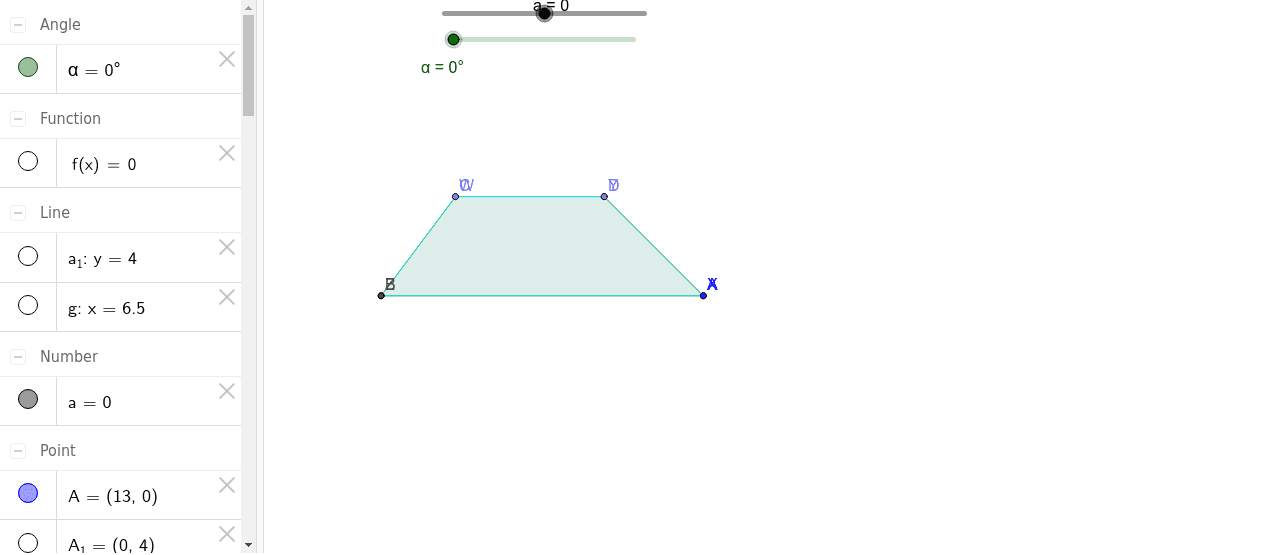
This GeoGebra example dynamically demonstrates the area formula of a trapezoid through a dissection-and-rearrangement method. It visually shows how translating and rotating parts of the trapezoid can transform it into a parallelogram or rectangle, making the area formula intuitive. Core mathematical concepts include trapezoid properties, polygon area, vector translation, rotation transformations, and the use of piecewise or linear functions to model the process. The construction uses commands such as Point, Line, Intersect, Polygon, Vector, Translate, LineBisector, Midpoint, Segment, and Rotate. Key objects include the original trapezoid poly1, its translated and rotated copies (poly1', poly1''), associated edges, and an angle parameter α for interactive control. This resource is ideal for middle school geometry lessons, teacher demonstrations, or student exploration of area formulas, and also serves as a visual introduction to transformation-based proofs in calculus or linear function contexts.
GeoGebra Commands & Parameters
Point(yAxis) → A_1Line(A_1, xAxis) → a_1Intersect(xAxis, yAxis) → BPoint(a_1) → CPoint(a_1) → DPolygon(B, C, D, A) → poly1, b, c, d, eVector(B, F) → uTranslate(B, u) → B'Translate(C, u) → C'Translate(D, u) → D'Translate(A, u) → E'Polygon(B', C', D', E') → poly1', b', c', d', e'Translate(B', v) → B''Translate(C', v) → C''Translate(D', v) → D''Translate(E', v) → E''Polygon(B'', C'', D'', E'') → poly1'', b'', c'', d'', e''LineBisector(e') → gMidpoint(b') → GMidpoint(d') → HSegment(G, H) → hIntersect(g, h) → IRotate(B', α, I) → ZRotate(C', α, I) → WRotate(D', α, I) → YRotate(E', α, I) → XPolygon(Z, W, Y, X) → poly1''_1, b''_1, c''_1, d''_1, e''_1Vector(B, Z) → w
AI Drawing Prompt Reference
Draw a dynamic illustration showing the area formula of a trapezoid. Begin by sketching a trapezoid, then demonstrate how translating and rotating parts of it can transform the shape into a parallelogram or rectangle, making the area formula intuitive. Include the original trapezoid, its translated and rotated copies, associated edges, and an interactive angle parameter to show trapezoid properties, polygon area, vector translation, rotation transformations.
The prompt above was compiled from the original drawing commands and is for reference only.