
Monty Hall Problem Demo
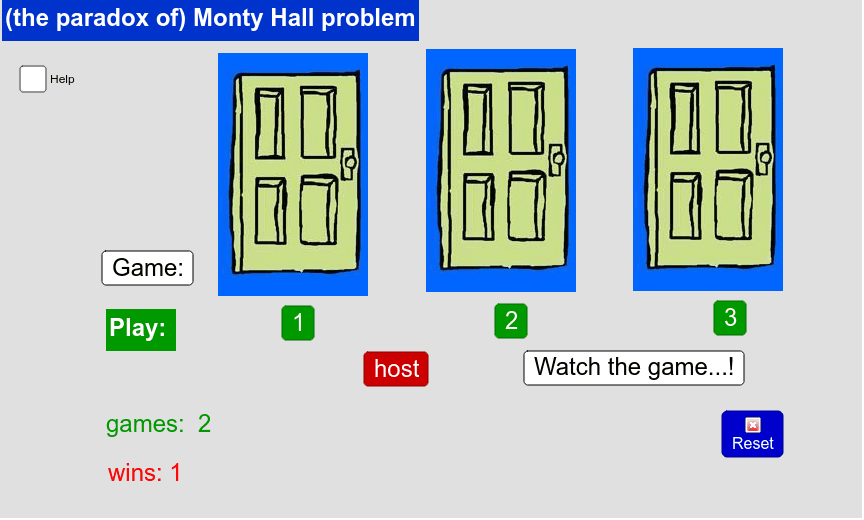
Loading the math board and drawing, please wait…
This example demonstrates the classic Monty Hall probability puzzle, visualizing how probability changes through a simulation of the door-switching game. Core math concepts involve conditional probability and sample space in probability theory. Construction highlights include commands like Random (random number generation), KeepIf (conditional filtering), Length (length calculation), Element (element extraction), and If (conditional logic), along with objects such as scelto (choice), porte (doors), and premio (prize). Suitable for high school and above to intuitively understand counterintuitive probability phenomena.
GeoGebra Commands & Parameters
Random(1, 3) → premioKeepIf(x ≠ premio, porte) → perdentiKeepIf(x ≠ scelto, perdenti) → offribiliLength(offribili) → elleElement(KeepIf[(x ≠ offerto) ∧ (x ≠ scelto), porte], 1) → cambioIf(scelto ≟ premio, "You won !", "Lost...") → risultatoKeepIf((x ≠ offerto) ∧ (x ≠ scelto), porte) → rimasti
AI Drawing Prompt Reference
Create a visualization for the Monty Hall problem, showing the probability change when switching doors. Include three doors with one hiding a prize. Randomly select a door, then exclude the one with the prize and the chosen one, highlighting the remaining invalid doors. Calculate the number of invalid doors and randomly pick one from the remaining as the switched door. Display the outcome as 'You won!' or 'Lost...' based on the initial choice and prize location, illustrating the effect of switching strategy on probability.
The prompt above was compiled from the original drawing commands and is for reference only.