
Modeling Ratios in Right Triangles with Geometry Construction
Loading the math board and drawing, please wait…
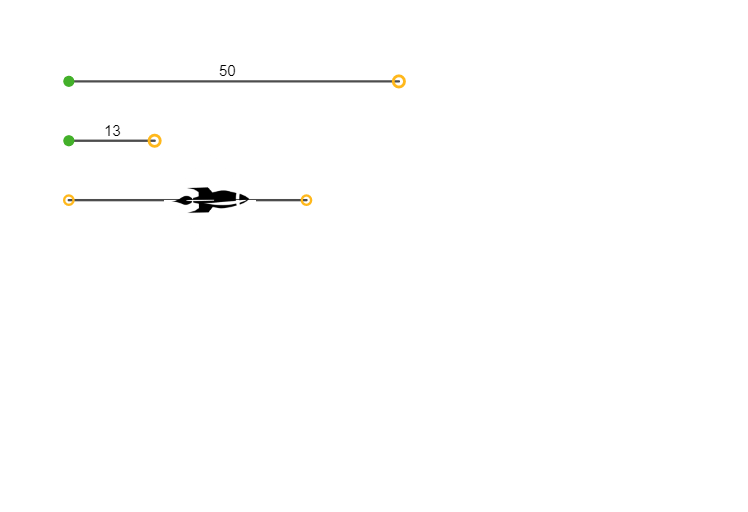
This example demonstrates how ratio relationships in right triangles can be visualized and used to determine corresponding geometric quantities through systematic construction. The key math ideas include ratio reasoning in right triangles (the geometric meaning behind trigonometric ratios), similarity/proportional relationships, and turning those relationships into an explicit, inspectable diagram. Construction-wise, it relies on GeoGebra’s Point and Segment commands: the construction creates key vertices such as A, B, C, D, E, F, G, and H, then connects them with Segment objects to form the right triangle and its related sides or partition lines (represented by objects like f, g, and h). It also uses pic1 and pic2 to present and compare multiple constructed views. Suitable for middle/high school geometry lessons and introductory math modeling, helping learners connect “ratios ↔ similarity ↔ geometric interpretation” with clear visual feedback.
GeoGebra Commands & Parameters
Point(Circle[A, 50]) → BSegment(A, B) → fPoint(Circle[C, 13]) → DSegment(C, D) → gSegment(E, F) → hPoint(h) → GPoint(h) → H
AI Drawing Prompt Reference
Draw a right triangle with one leg extending from a circle center with length 50, and another leg from a different circle center with length 13, meeting at a right angle. Connect the endpoints of these two legs with a segment to form the hypotenuse. Place two points on the hypotenuse, dividing it into three parts. Additionally, include two auxiliary views showing the triangle under different ratio constructions to compare proportional relationships in similar right triangles. Clearly mark all key vertices and the right angle.
The prompt above was compiled from the original drawing commands and is for reference only.