
Median Construction
Loading the math board and drawing, please wait…
In collections
Special Lines and Centres of Triangle
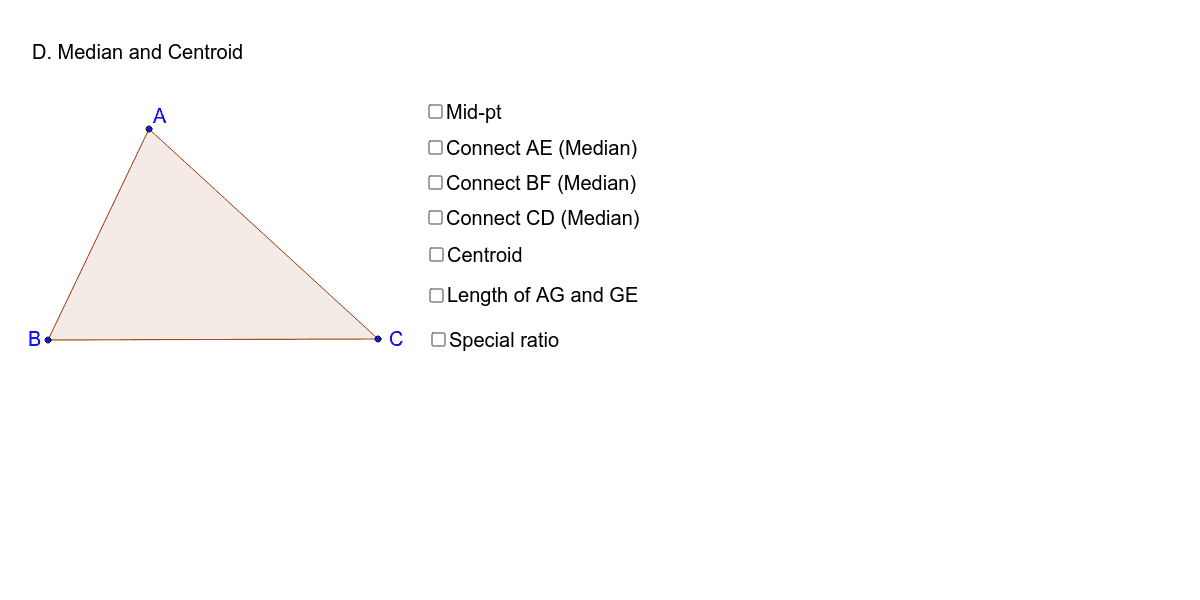
This example demonstrates how to construct a median in a general quadrilateral. It involves core math concepts like median, polygon, distance, and perimeter. Construction highlights include using Polygon, Midpoint, Segment, Intersect, Distance, and Perimeter commands in GeoGebra. Suitable for middle school and above students learning geometric constructions and quadrilateral properties.
GeoGebra Commands & Parameters
Polygon(A, B, C) → poly1, c, a, bMidpoint(A, B) → DMidpoint(B, C) → EMidpoint(A, C) → FSegment(A, E) → dSegment(B, F) → eSegment(D, C) → fIntersect(d, e) → GDistance(A, G) → AGSegment(A, G) → mSegment(G, E) → nDistance(m, n) → oPerimeter(poly1) → perimeterpoly1
AI Drawing Prompt Reference
Draw a quadrilateral and find the midpoint of each side. Connect the midpoints of opposite sides to form two intersecting lines, which meet at the midpoint of the diagonal. Draw a line segment from one vertex of the quadrilateral to this midpoint to represent a median. Finally, measure the length of the median and the perimeter of the quadrilateral, displaying these measurements.
The prompt above was compiled from the original drawing commands and is for reference only.