
Maximizing Rectangle Area by Hstocks
Loading the math board and drawing, please wait…
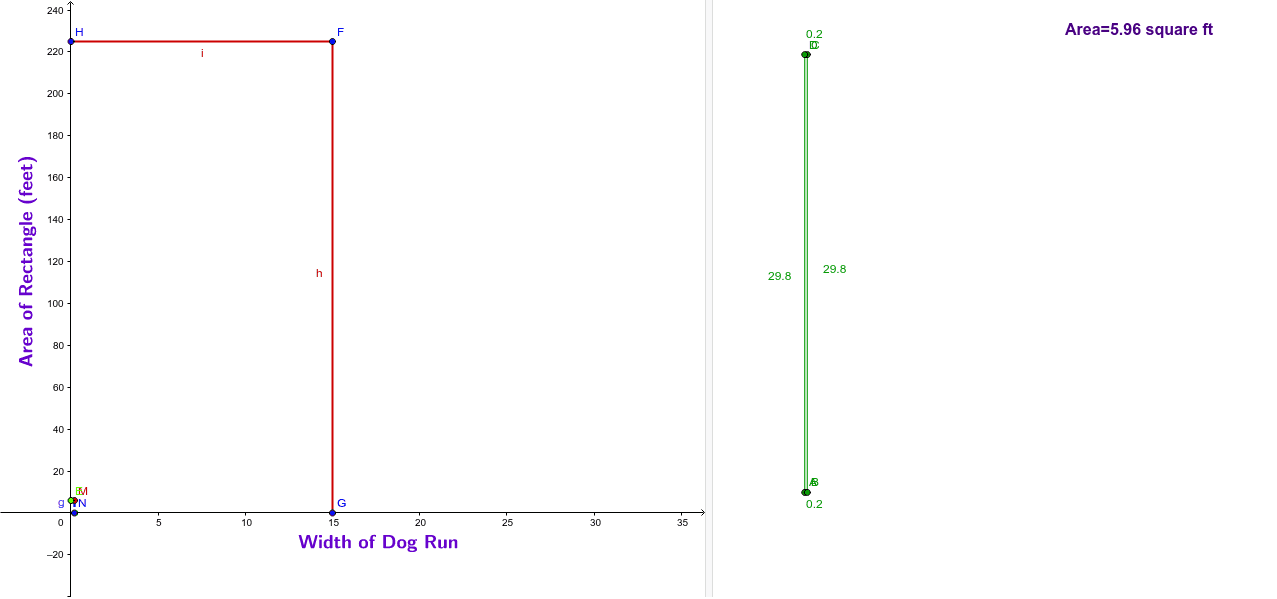
This example demonstrates how to maximize the area of a rectangle by adjusting its length and width. Key mathematical concepts include area calculation and geometric construction. It uses commands like Polygon, Segment, and RotateText in GeoGebra. Suitable for middle school and above students to learn area optimization problems.
GeoGebra Commands & Parameters
Polygon(A, B, C, D) → poly1, a_1, b_1, c, dSegment(E, M) → eSegment(M, N) → gSegment(F, G) → hSegment(H, F) → iRotateText("Area of Rectangle (feet)", 90*°) → text2RotateText("Width of Dog Run", 0) → text3
AI Drawing Prompt Reference
Draw a rectangle and show how to maximize its area by adjusting its length and width. Label the area and width inside the rectangle, rotating the text as needed for clarity. Start by drawing the rectangle, then add a line segment connecting the midpoints of the diagonals. From one vertex of the rectangle, draw two perpendicular line segments, one horizontal and one vertical. Finally, place the area and width labels in appropriate positions.
The prompt above was compiled from the original drawing commands and is for reference only.