
Make 10 Math Practice
Loading the math board and drawing, please wait…
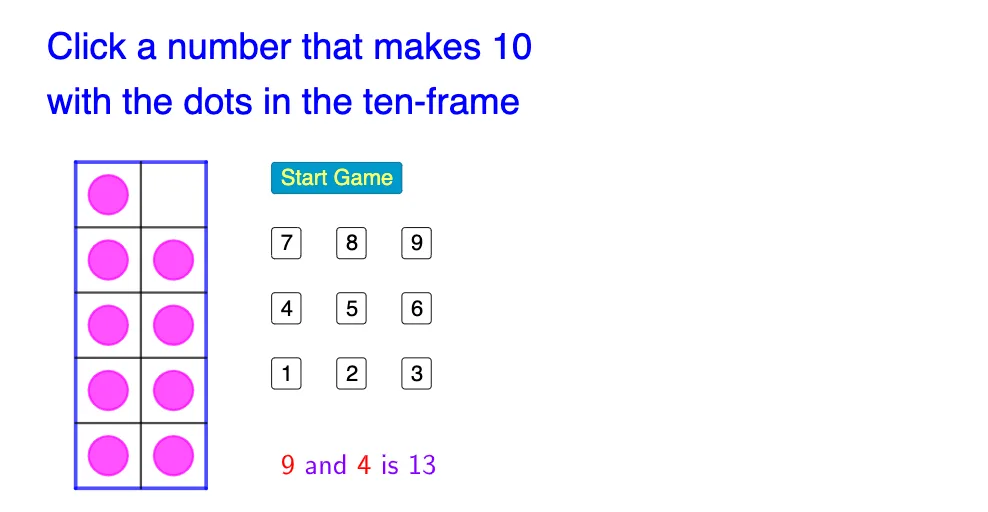
This example demonstrates how to use GeoGebra tools for 'Make 10' math practice, helping students understand addition operations and number combinations. Core math concepts include addition, number combinations, and basic linear programming. Construction highlights involve commands/objects like Segment, Midpoint, Point, Circle, and Random from the GeoGebra summary. Suitable for elementary or lower middle school students for basic math operation practice and interest development.
GeoGebra Commands & Parameters
Segment(A, B) → fSegment(B, C) → gSegment(C, D) → hSegment(D, A) → iMidpoint(A, B) → EMidpoint(D, C) → FPoint(i) → GPoint(g) → HPoint(i) → IPoint(g) → JPoint(i) → KPoint(g) → LPoint(i) → MPoint(g) → NSegment(G, H) → jSegment(I, J) → kSegment(K, L) → lSegment(M, N) → mSegment(F, E) → nMidpoint(G, H) → OMidpoint(I, J) → PMidpoint(K, L) → QMidpoint(M, N) → RMidpoint(A, O) → SMidpoint(E, H) → TMidpoint(G, P) → UMidpoint(O, J) → VMidpoint(I, Q) → WMidpoint(P, L) → ZMidpoint(K, R) → A_1Midpoint(Q, N) → B_1Midpoint(R, C) → C_1Midpoint(M, F) → D_1Circle(D_1, 0.3) → cCircle(A_1, 0.3) → dCircle(W, 0.3) → eCircle(U, 0.3) → pCircle(S, 0.3) → qCircle(C_1, 0.3) → rCircle(B_1, 0.3) → sRandom(1, 9) → nnCircle(Z, 0.3) → tCircle(V, 0.3) → c_1Circle(T, 0.3) → d_1