
Lines of symmetry
Loading the math board and drawing, please wait…
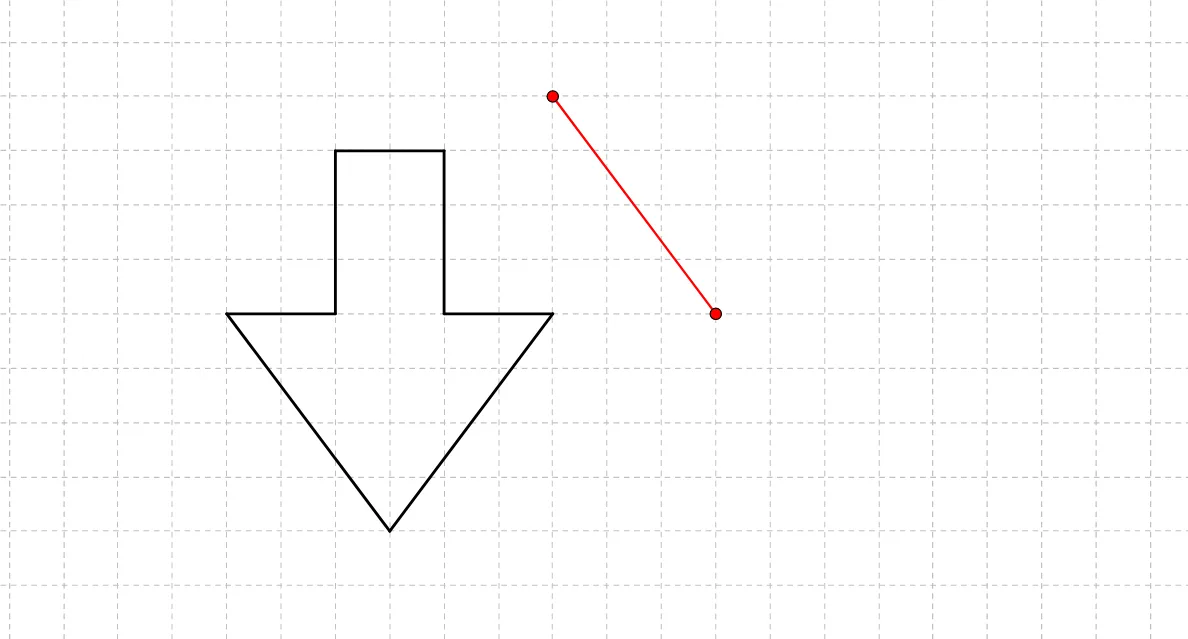
This example demonstrates the construction and analysis of symmetry figures, involving concepts like symmetry axes, triangles, circles, and polygons. The construction uses GeoGebra commands such as Segment, Polygon, Line, Circle, etc. It is suitable for middle school and above students to understand geometric symmetry and transformations.
GeoGebra Commands & Parameters
Segment(A, B) → aSegment(B, D) → bSegment(A, C) → cSegment(E, C) → dSegment(D, F) → eSegment(F, G) → fSegment(E, G) → gSegment(H, I) → hPolygon(J, K, L) → poly1, l, j, kSegment(M, N) → iSegment(O, N) → mSegment(M, O) → nSegment(P, Q) → pSegment(P, R) → qSegment(Q, S) → rSegment(R, T) → sSegment(S, U) → tSegment(T, U) → a_1Line(V, W) → b_1Segment(Z, A_1) → c_1Line(B_1, C_1) → d_1Line(D_1, E_1) → e_1Segment(F_1, G_1) → f_1Segment(H_1, I_1) → g_1Line(J_1, K_1) → h_1Segment(L_1, M_1) → i_1Segment(M_1, N_1) → j_1Segment(L_1, O_1) → k_1Segment(O_1, P_1) → l_1Segment(N_1, Q_1) → m_1Segment(P_1, R_1) → n_1Segment(Q_1, S_1) → p_1Segment(R_1, T_1) → q_1Segment(T_1, S_1) → r_1Segment(U_1, V_1) → s_1Line(W_1, Z_1) → t_1Circle(A_2, B_2) → c_2Point(c_2) → C_2Point(c_2) → E_2CircumcircleArc(C_2, D_2, E_2) → d_2CircumcircleArc(C_2, F_2, E_2) → e_2Line(G_2, H_2) → a_2Segment(I_2, J_2) → b_2CircumcircleArc(K_2, L_2, M_2) → f_2Circle(N_2, L_2) → g_2Segment(K_2, N_2) → h_2Segment(N_2, M_2) → i_2Line(O_2, P_2) → j_2Segment(Q_2, R_2) → k_2Circle(S_2, T_2) → p_2Point(p_2) → U_2Point(p_2) → W_2CircumcircleArc(T_2, W_2, U_2) → q_2Segment(V_2, T_2) → l_2Segment(V_2, U_2) → m_2Polygon(V_2, T_2, U_2) → poly2, u_2, v_2, t_2Segment(Z_2, A_3) → n_2Line(B_3, C_3) → r_2Polygon(D_3, E_3, F_3, G_3) → poly3, d_3, e_3, f_3, g_3Polygon(F_3, J_3, K_3, G_3) → poly4, f_4, j_3, k_3, g_4Polygon(F_3, I_3, H_3, E_3) → poly5, f_5, i_3, h_3, e_4Polygon(L_3, M_3, N_3, O_3) → poly6, l_3, m_3, n_3, o_3Polygon(O_3, P_3, Q_3, R_3) → poly7, o_1, p_3, q_3, r_3Polygon(Q_3, S_3, T_3, U_3) → poly8, q_4, s_3, t_3, u_3Point(m_3) → W_3Polygon(M_3, V_3, T_3, W_3) → poly9, m_4, v_3, t_4, w_3Polygon(Z_3, A_4, B_4, C_4) → poly10, z_3, a_4, b_4, c_4Point(a_4) → E_4Polygon(D_4, E_4, F_4, G_4) → poly11, d_4, e_5, f_6, g_5Polygon(H_4, I_4, J_4, K_4) → poly12, h_4, i_4, j_4, k_4Point(i_4) → L_4Polygon(L_4, M_4, N_4, O_4) → poly13, l_4, m_5, n_4, o_4Polygon(P_4, Q_4, B_5, C_5, R_4, S_4, T_4, U_4, V_4, W_4, Z_4, A_5) → poly14, p_4, a_5, b_5, c_5, q_5, r_4, s_4, t_5, u_4, v_4, w_4, z_4Segment(D_5, E_5) → s_2Segment(F_5, G_5) → a_3Segment(H_5, I_5) → b_3Segment(J_5, K_5) → c_3Line(L_5, M_5) → d_5Line(N_5, O_5) → h_5Line(P_5, Q_5) → i_5Line(R_5, S_5) → j_5Segment(T_5, U_5) → k_5Segment(V_5, W_5) → l_5Line(Z_5, A_6) → n_5Line(B_6, C_6) → p_5
AI Drawing Prompt Reference
Draw a geometric composition featuring multiple symmetric shapes. Start with a triangle, then a quadrilateral, followed by a pentagon, connecting their vertices with line segments. Add a symmetry axis line through the figures, then draw a circle with two points on it and create arcs. Finally, construct a combined shape using segments and arcs, and include an auxiliary line. The overall design illustrates symmetry axes, triangles, circles, and polygons.
The prompt above was compiled from the original drawing commands and is for reference only.