
Linear Models Example
Loading the math board and drawing, please wait…
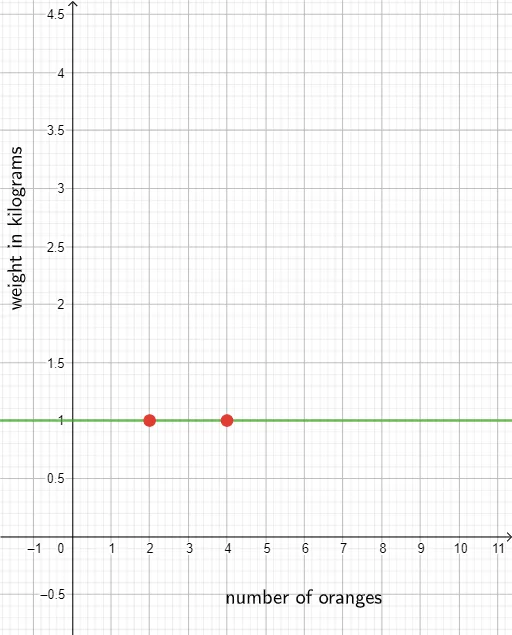
This example demonstrates how to construct linear models using GeoGebra, showcasing linear equations and their applications. Core math concepts include linear functions, slope, intercept, and coordinate geometry. Construction highlights involve commands/objects like Textfield, x_1, x_2, y_1, y_2, m, InputBox1, A, eq1, B, text1, text2, text3, text4, A1, A2, A3, A4, A5, A6, A7, A8, A9, B2, B3, B5, B6, B7, B8, B9, D2, D3, B4, D4, D5, D6, D7, D8, D9, B1, text5 from GeoGebra. Suitable for middle school and above, helping students understand the graph and properties of linear functions.
GeoGebra Commands & Parameters
Textfield(m) → InputBox1
AI Drawing Prompt Reference
Create a coordinate-geometry visualization of a linear model. Define a slope parameter m and provide a slider/input box so the user can change m. Build the display to reflect how the line is determined by linear-function parameters, emphasizing the role of the line equation together with slope and intercept. Add explanatory text labels to highlight these key concepts, following an order of first setting up the parameter and input, then drawing the corresponding line, and finally placing the labels.
The prompt above was compiled from the original drawing commands and is for reference only.