
Linear Intersections Demo
Loading the math board and drawing, please wait…
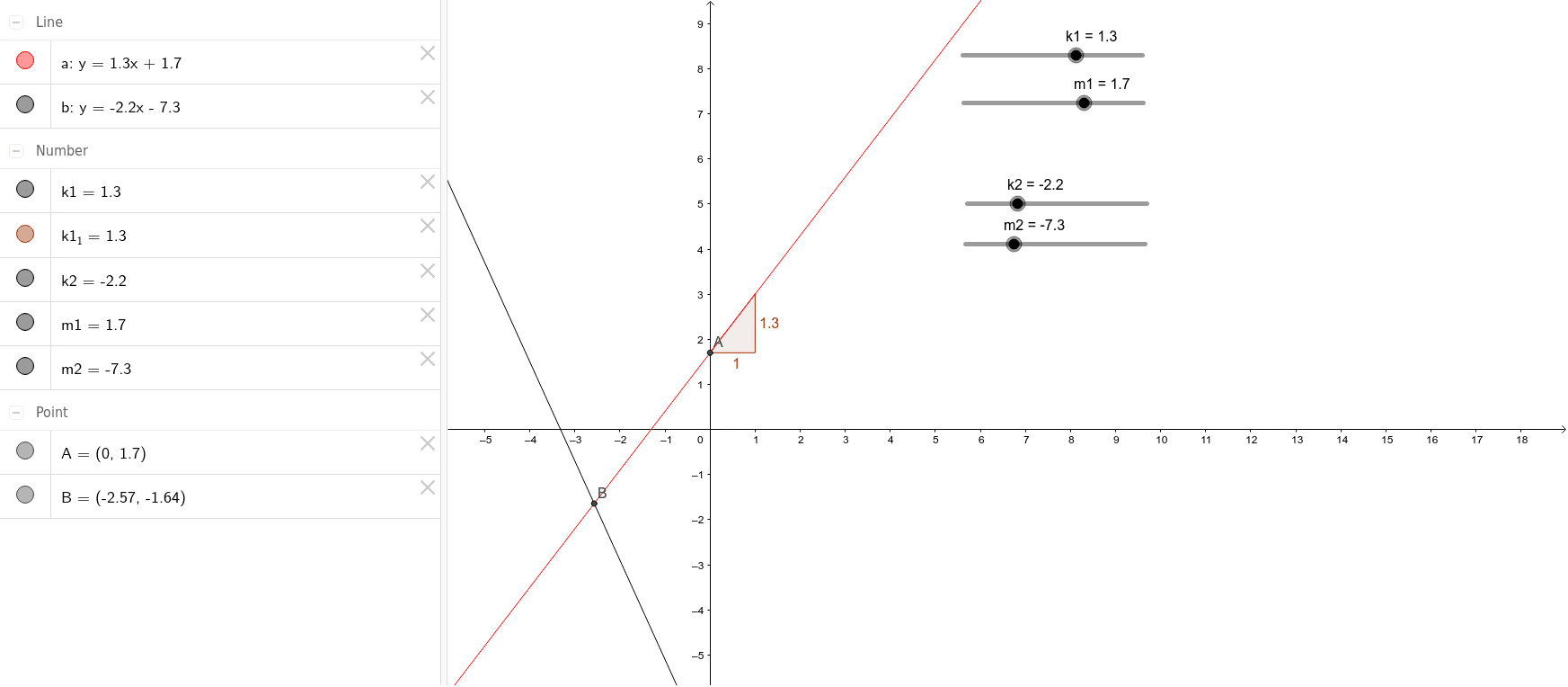
This example demonstrates the calculation and visualization of intersections between multiple lines and the unit circle. It involves core mathematical concepts such as intersection computation, unit circle properties, differential equation concepts, step function applications, median line construction, and cube geometry relations. The construction uses GeoGebra commands like Intersect for intersection calculation and Slope for slope determination, with objects like k1, m1, a, A, k1_1, k2, m2, b, B. Suitable for high school and above learners to understand the application of analytical geometry and calculus in geometric problems.
GeoGebra Commands & Parameters
Intersect(a, yAxis) → ASlope(a) → k1_1Intersect(a, b) → B
AI Drawing Prompt Reference
Draw a unit circle and a straight line. The line intersects the circle at two points. Mark the intersection points and label the equations of the line and circle. The construction order is: draw the circle first, then the line, then calculate and mark the intersection points.
The prompt above was compiled from the original drawing commands and is for reference only.