
Line Segment Division Demo
Loading the math board and drawing, please wait…
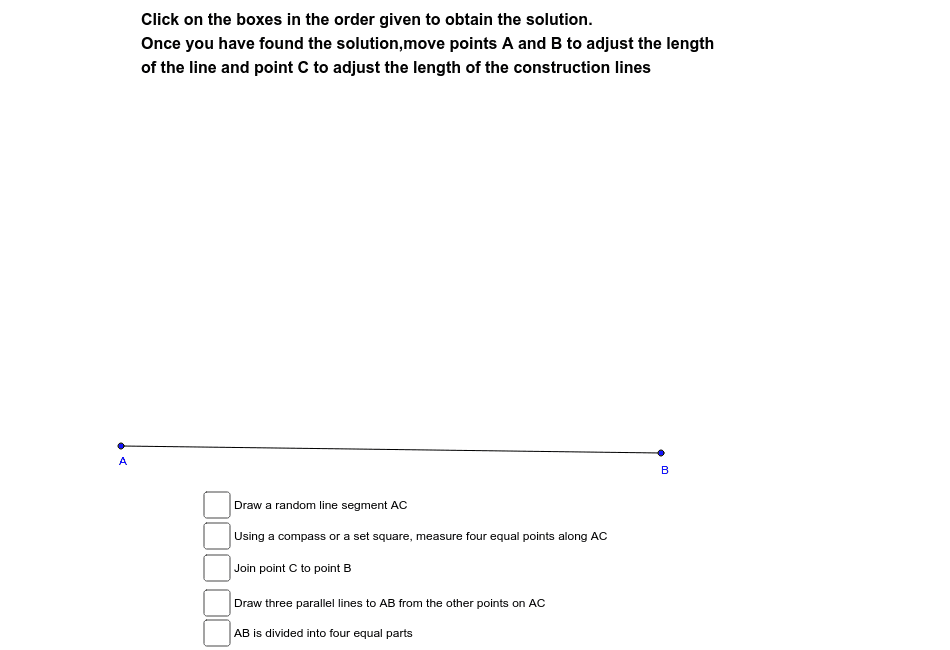
This example demonstrates the geometric construction of line segment division. It involves core math concepts like line segments, points, intersections, isosceles and equilateral triangles. Construction highlights include using commands like Segment, Point, Line, Intersect in GeoGebra to create geometric figures. Suitable for high school mathematics teaching to illustrate geometric construction techniques and fundamental properties.
GeoGebra Commands & Parameters
Segment(A, B) → aSegment(A, C) → bPoint(b) → DPoint(b) → EPoint(b) → FSegment(C, B) → cLine(F, c) → dLine(E, d) → eLine(D, e) → fIntersect(d, a) → GSegment(F, G) → gIntersect(e, a) → HSegment(E, H) → hIntersect(f, a) → ISegment(D, I) → iSegment(A, D) → jSegment(D, E) → kSegment(E, F) → lSegment(F, C) → mSegment(A, I) → nSegment(I, H) → pSegment(H, G) → qSegment(G, B) → r
AI Drawing Prompt Reference
Draw a line segment and mark three points on it. Construct three parallel lines from these points, each intersecting the line segment to create new points. Connect these points to form multiple triangles, highlighting the division of the line segment into equal parts and showcasing isosceles and equilateral triangles.
The prompt above was compiled from the original drawing commands and is for reference only.