
Law of Sines Practice
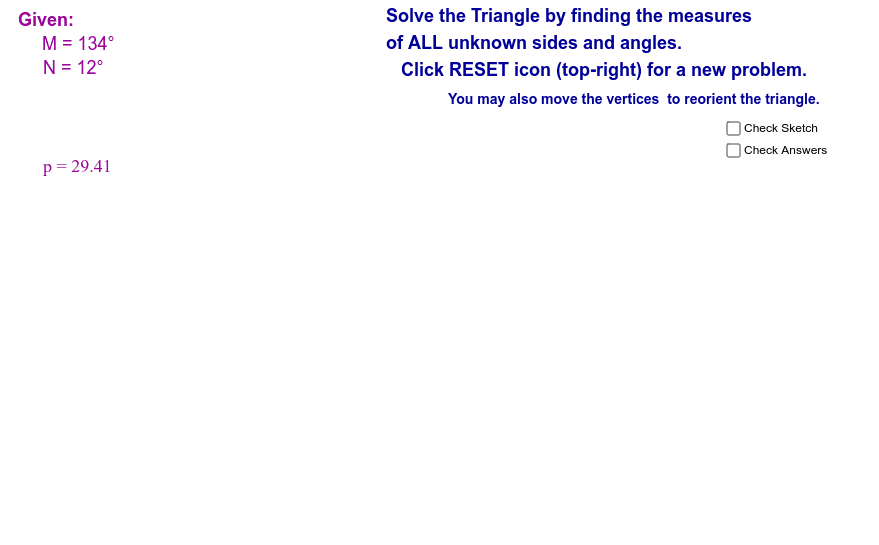
Loading the math board and drawing, please wait…
This example demonstrates the application of the Law of Sines given random AAS and ASA inputs. The core math concept involved is the Law of Sines, which states that the ratio of the lengths of any two sides of a triangle to the sine of their opposite angles is equal. Construction highlights include using commands like Random for generating inputs, Circle and Point for drawing circles and points, Segment for creating segments, Rotate for rotations, Angle and Ray for measuring angles and creating rays, Intersect for finding intersections, and Midpoint for locating midpoints. Suitable for high school students learning trigonometry and geometric constructions.
GeoGebra Commands & Parameters
Random(5, 175) → Angle1Random(1, 180 - Angle1 - 3) → Angle2Circle(A, leg1) → cPoint(c) → BRandom(1, 6) → CaseSegment(A, B) → aRotate(A, (-Angle1)°, B) → A'Angle(A', B, A) → αRay(B, A') → bRotate(B, Angle2°, A) → B'Angle(B, A, B') → βRay(A, B') → dIntersect(b, d) → CSegment(B, C) → eSegment(A, C) → fAngle(A, C, B) → γMidpoint(f) → DMidpoint(e) → EMidpoint(a) → F