
Investigating Straight Lines
Loading the math board and drawing, please wait…
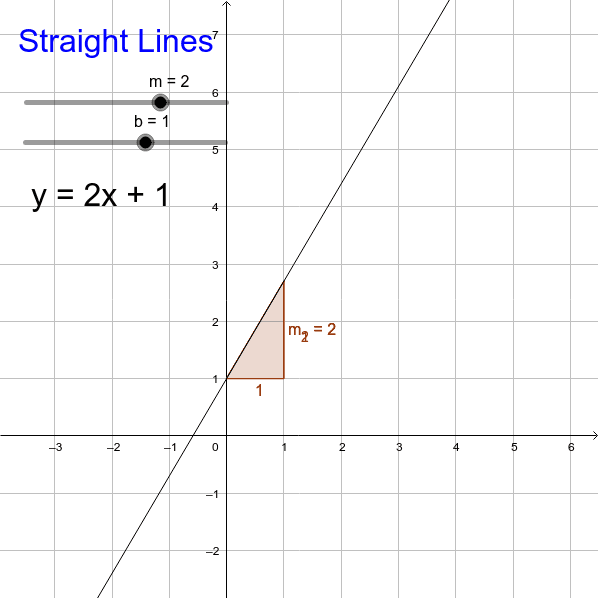
This example demonstrates the properties of straight lines. By adjusting the slope and y-intercept, you can observe how the line changes. Key mathematical concepts include the equation of a line, slope, and y-intercept. The construction uses GeoGebra commands such as Slope, text1, m, b, etc. Suitable for middle school and above students to learn about linear equations and geometric construction.
GeoGebra Commands & Parameters
Slope(a) → m_1Slope(a) → m_2
AI Drawing Prompt Reference
Draw a line and adjust its slope and y-intercept to observe how the line changes. First, set the slope to 2, then set the y-intercept to 3. Next, change the slope to -1 while keeping the y-intercept at 3, and observe how the line changes.
The prompt above was compiled from the original drawing commands and is for reference only.