
Introduction to GeoGebra
Loading the math board and drawing, please wait…
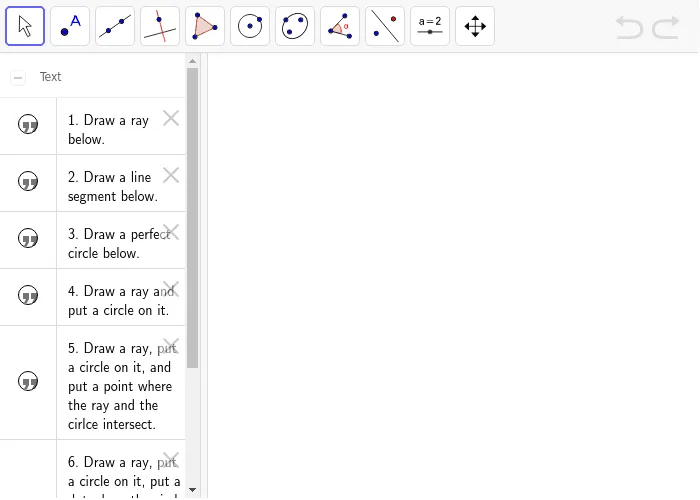
This example demonstrates how to use GeoGebra to draw various mathematical phenomena including circles, straight lines, geometric distributions, curve sketching, continuity, and constructions. Key math concepts involved are circles, straight lines, geometric distributions, curve sketching, continuity, tangent functions, and geometric constructions. The construction utilizes GeoGebra commands/text objects like text1, text2, text3, text4, text5, text6 for annotations. Suitable for beginners learning GeoGebra basics and mathematical visualization, ideal for middle school and early college mathematics education and self-study.
AI Drawing Prompt Reference
Draw a circle and then a line passing through the center of the circle. Mark a point on the circle and draw the tangent line at that point. Add text below the diagram: the equation of the circle is x^2 + y^2 = r^2, and the equation of the line is y = mx + c.
The prompt above was compiled from the original drawing commands and is for reference only.