
Intro to Basic Motions
Loading the math board and drawing, please wait…
In collections
Transformations
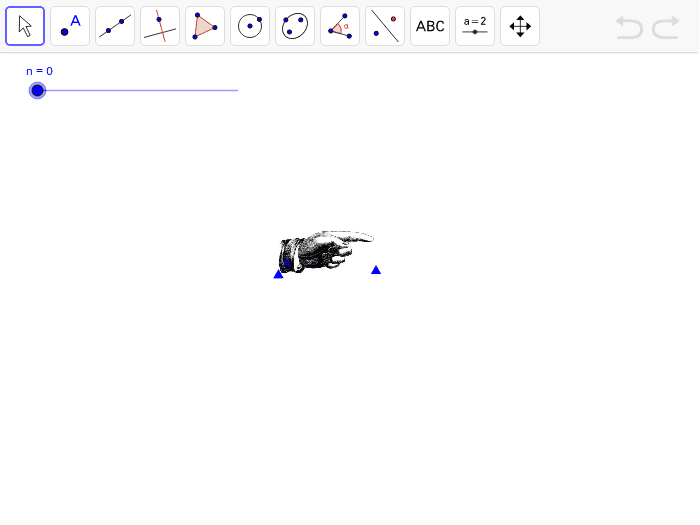
This example demonstrates fundamental geometric motions such as reflection, rotation, and translation. It involves core math concepts like geometric transformations, vectors, angles, and coordinate geometry. GeoGebra commands used include Line, Mirror, Vector, Translate, Circle, Point, Angle, Segment, and Rotate. Suitable for high school mathematics education to understand and apply principles of geometric transformations.
GeoGebra Commands & Parameters
Line(C, D) → aMirror(pic1, a) → pic1'Vector(E, F) → uTranslate(pic1, u) → pic1'_1Circle(G, 1) → cPoint(c) → IAngle(H, G, I) → αSegment(H, G) → bSegment(G, I) → dRotate(pic1, α, G) → pic1'_2Vector(B, K) → vTranslate(pic1, v) → pic1'_3Line(B, K) → eMirror(pic1'_3, e) → pic2
AI Drawing Prompt Reference
Draw a line segment, then reflect a shape over this segment. Define a vector using the start and end points of the segment, and translate the reflected shape along this vector. Next, draw a circle centered at a point with a radius equal to one, and mark a point on the circle. Connect the center to this point to form a segment, and calculate the angle between these two points and the center. Rotate the original shape by this angle, then define another line segment using two points and reflect the rotated shape over this segment.
The prompt above was compiled from the original drawing commands and is for reference only.