
Interpreting and Creating Graphs: Functions, Hyperbola & Logarithms
Loading the math board and drawing, please wait…
This example demonstrates how to interpret key features of a graph from a given function and then create the corresponding graph in GeoGebra. The main mathematical ideas include functions and function graphs, hyperbola-related curve behavior, the role of arithmetic operations in shifting/scaling transformations, and understanding logarithm-based shape characteristics. Construction-wise, the provided GeoGebra construction summary indicates using the object f to represent the function; in practice this is done by defining f as a function expression and plotting it to obtain the graph. It is suitable for middle or early high school students learning algebra/analytic geometry with a focus on graph interpretation, and it works well for classroom demonstrations or self-study on how formula changes affect graph appearance.
GeoGebra Commands & Parameters
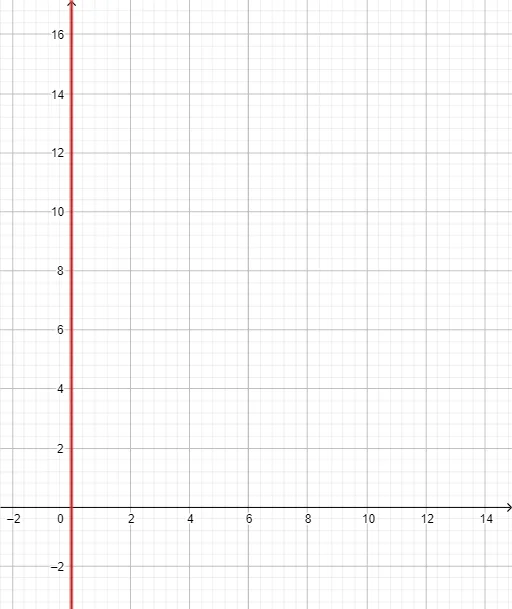
y = (((365 * 24) * 3600) * x)
AI Drawing Prompt Reference
Draw a straight line passing through the origin with a very steep positive slope, approximately 31,536,000. The line starts at the origin and rises sharply to the upper right, nearly vertical. The horizontal axis represents the independent variable, and the vertical axis represents the dependent variable. Clearly show the line's position in the coordinate system and label the axes.
The prompt above was compiled from the original drawing commands and is for reference only.