
Interior and Exterior Angles of Polygons - Dynamic Exploration
Loading the math board and drawing, please wait…
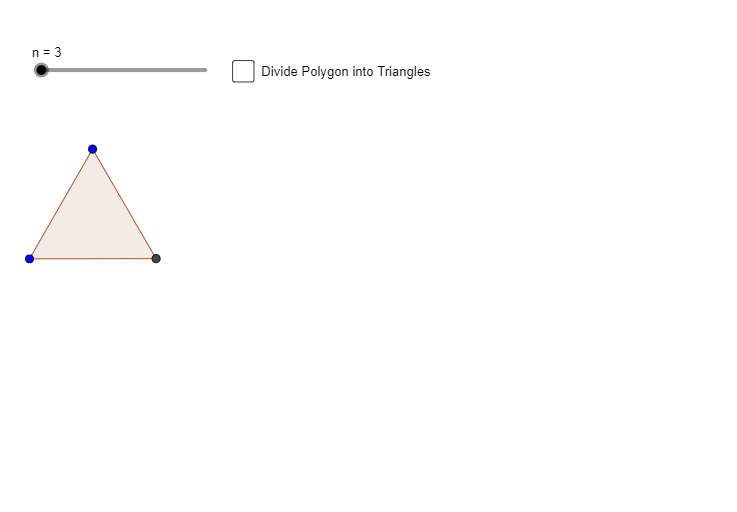
① This GeoGebra example dynamically illustrates the relationship between interior and exterior angles of polygons, allowing users to drag vertices and observe angle changes. ② Core mathematical concepts include the polygon interior angle sum formula ((n-2)×180°), the constant exterior angle sum of 360°, and the supplementary relationship between adjacent interior and exterior angles. ③ Construction details: The Polygon command creates poly1, Segment commands construct edges and auxiliary lines, multiple points (A, B, C, D, etc.) serve as vertices, and a slider n controls the number of sides, with dynamic angle measurements displayed. ④ Suitable for middle school geometry lessons or self-study, helping students intuitively grasp angle properties of polygons and explore differences between regular and irregular polygons.
GeoGebra Commands & Parameters
Polygon(A, B, n) → poly1, f, q, s, t, C, D, E, F, G, H, I, g, J, K, L, h, i, j, k, l, m, pSegment(A, K) → aSegment(A, J) → bSegment(A, I) → cSegment(A, H) → dSegment(A, G) → eSegment(A, F) → f_1Segment(A, E) → g_1Segment(A, D) → h_1Segment(A, C) → i_1
AI Drawing Prompt Reference
Create a dynamic polygon with a slider to adjust the number of sides, and draggable vertices. Draw auxiliary line segments from a central point to each vertex, forming a radial pattern. Display interior angles inside the polygon and adjacent exterior angles outside, with dynamic angle measurements. As vertices are dragged or the slider changes, show that the sum of interior angles follows the polygon formula, while the exterior angle sum remains constant at 360 degrees. Clearly illustrate the supplementary relationship between each interior and exterior angle, and allow comparison between regular and irregular polygon shapes.
The prompt above was compiled from the original drawing commands and is for reference only.