
Interactive Visual for Classifying Real Numbers
Loading the math board and drawing, please wait…
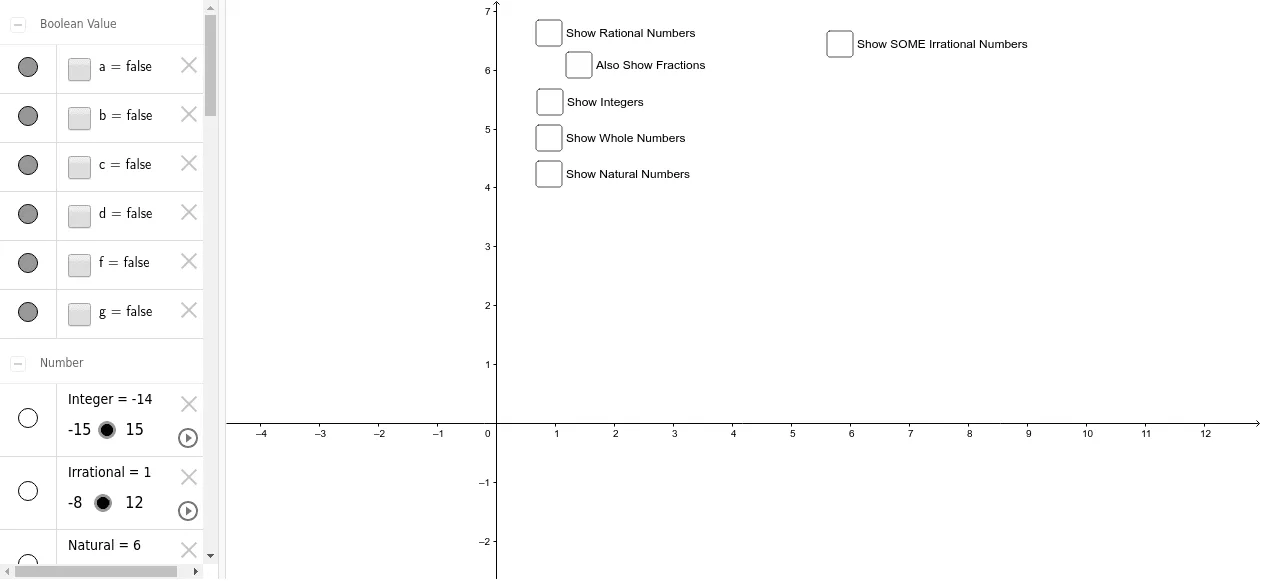
① This example demonstrates the classification of real numbers through an interactive visual with toggleable sets and a play button. ② It covers core math concepts: natural numbers, integers, rational numbers, irrational numbers, and their hierarchical inclusion within the real number system. ③ Construction uses GeoGebra commands like SurdText to render radical expressions, and objects such as Natural, Whole, Integer, Rational, and Irrational sets, with text labels (IntText, WholeText, NatText) and multiple irrational examples (ir2, ir3, ir5, etc.) to illustrate non-rational values. ④ Suitable for middle school to high school students learning number classification, and useful for classroom demonstrations or self-study, with interactive toggles and animation to enhance comprehension.
GeoGebra Commands & Parameters
SurdText(x(ir2)) → text2SurdText(x(ir3)) → text3SurdText(x(ir5)) → text5SurdText(x(ir29)) → text29SurdText(x(ir43)) → text43SurdText(x(ir83)) → text83SurdText(x(ir95)) → text95SurdText(x(ir122)) → text122SurdText(x(ir139)) → text139SurdText(x(ir155)) → text155SurdText(x(nir2)) → text1SurdText(x(nir3)) → text4SurdText(x(nir5)) → text6SurdText(x(nir10)) → text7SurdText(x(nir15)) → text8SurdText(Rational) → text9
AI Drawing Prompt Reference
Create an interactive visual for classifying real numbers. Draw a large container representing the real number system, with nested regions for natural numbers, integers, rationals, and irrationals, showing hierarchical inclusion. Place radical expressions like square root of 2, 3, 5, and others in the irrational region, each labeled with its surd form. Include toggle buttons to show or hide each set and a play button for animated demonstration. Use clear colors and labels for educational use.
The prompt above was compiled from the original drawing commands and is for reference only.