
Interactive Integer and Fraction Addition Demo
Loading the math board and drawing, please wait…
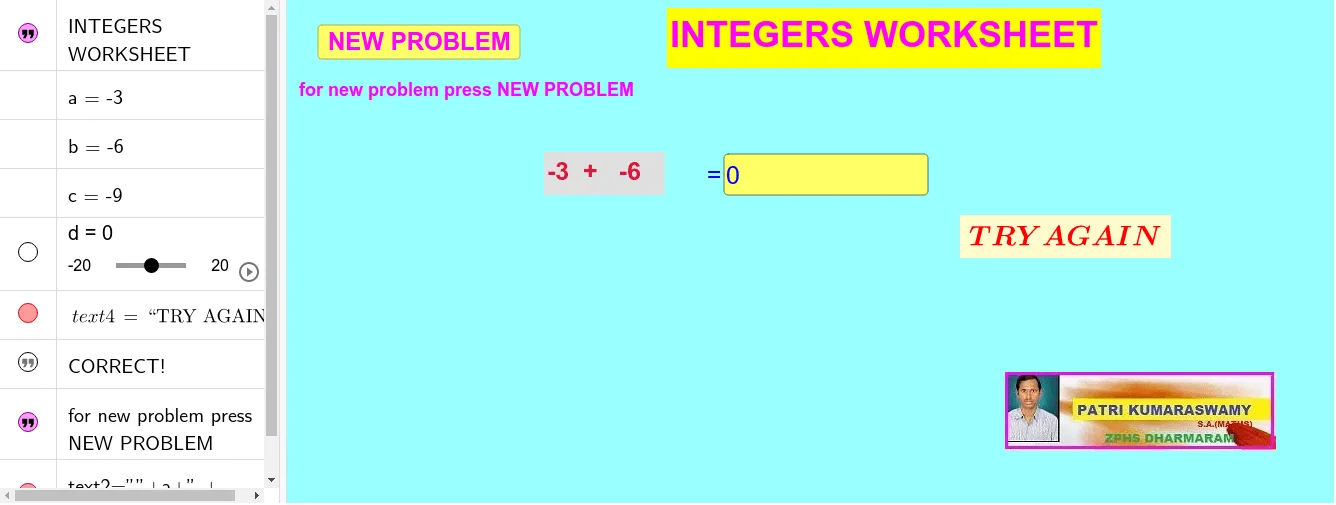
This GeoGebra example demonstrates integer and fraction addition through interactive geometric visualizations, aiding in conceptual understanding. Key math concepts include integer addition, fraction addition, vector operations, area calculation, properties of isosceles triangles, and piecewise functions. Construction highlights involve the Random command for generating random numbers, Textarea objects (e.g., text1, text4, text5) for displaying questions and results, button1 to trigger computations, InputBox1 for user input, and variables like a, b, c, d for storing data. It is suitable for elementary or middle school math education, providing engaging practice for addition skills.
GeoGebra Commands & Parameters
Random(-10, 10) → aRandom(-10, 10) → bTextfield(d) → InputBox1
AI Drawing Prompt Reference
Create an interactive integer and fraction addition demo. First, draw two vectors representing integer a and fraction b. Then, draw a triangle to illustrate vector addition. Use an input box to enter the values of a and b, and a button to compute and display the result. Employ a random number generator and text fields to show questions and answers.
The prompt above was compiled from the original drawing commands and is for reference only.