
Integer Subtraction Visualization
Loading the math board and drawing, please wait…
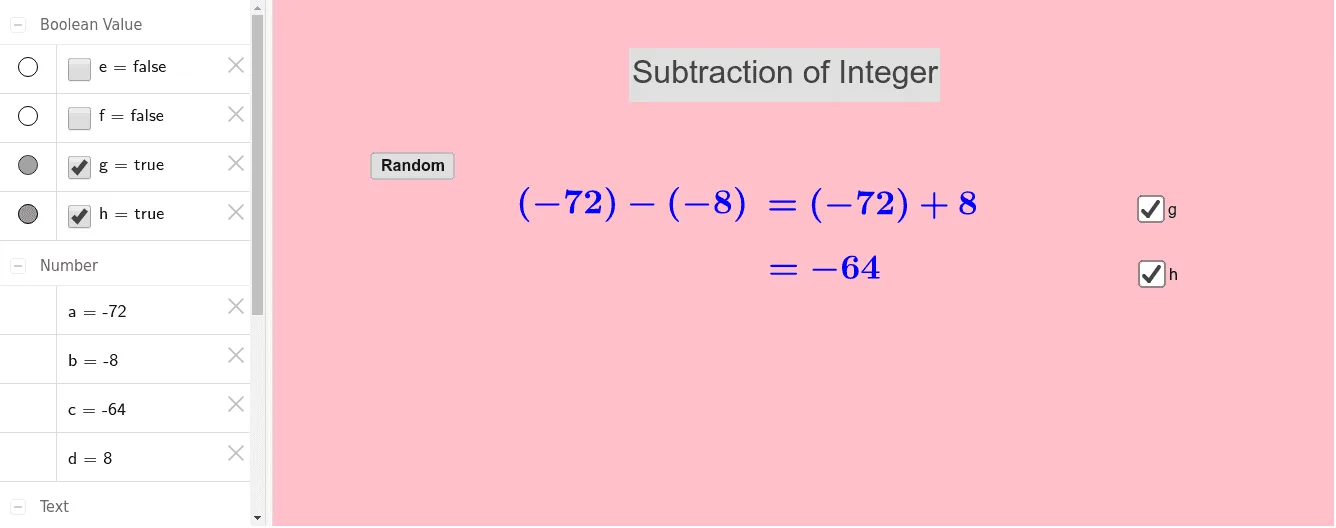
This GeoGebra example dynamically demonstrates integer subtraction by generating random integers and using conditional logic to show the sign of the result. The core mathematical concept is integer arithmetic and movement on the number line, emphasizing subtraction as the inverse of addition. The construction uses the Random command to generate integers a and b, the If command to determine whether the result c is positive or negative, and a button (button1) to trigger regeneration. Text objects (text1 to text7) display the expression and result, while auxiliary objects (d, e, f, g, h) support layout and visual feedback. This is suitable for upper elementary to middle school students learning integer operations, and for teachers to demonstrate borrowing, negative numbers, and number line direction in a classroom setting.
GeoGebra Commands & Parameters
Random(-99, 99) → aRandom(-99, 99) → bIf(a < 0, "(" + a + ")", "" + a) → text1If(b < 0, "(" + b + ")", "" + b) → text2If(d < 0, "(" + d + ")", "" + d) → text4
AI Drawing Prompt Reference
Create a visual diagram for integer subtraction. Draw a horizontal number line with tick marks and a direction arrow. Above or beside the line, display a subtraction expression like 'a - b = c' in large text, where a and b are random integers, possibly negative, shown in parentheses if negative. Highlight the sign of result c with color (e.g., blue for positive, red for negative). Include a button that, when clicked, regenerates new random integers and updates the expression and the movement on the number line. Use an arrow or segment on the number line to show the movement from a to c by |b| units, with direction determined by subtraction rules. Keep the layout clear for classroom demonstration.
The prompt above was compiled from the original drawing commands and is for reference only.