
Inscribed/Circumscribed Polygons
Loading the math board and drawing, please wait…
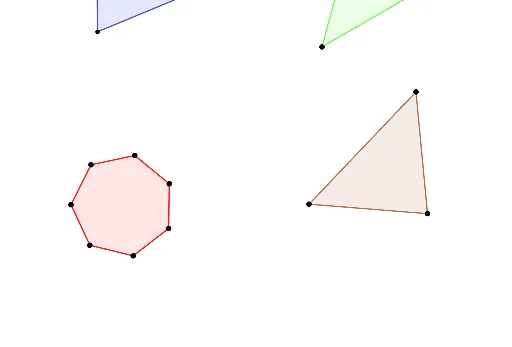
This example demonstrates the geometric construction and properties of inscribed and circumscribed polygons. It involves core concepts like polygons, circles, angles, and geometric construction. Key GeoGebra commands used include Point, Polygon, Intersect, and Angle to create points, polygons, intersections, and angles. Suitable for high school mathematics education to understand the geometric relationships between polygons and circles and construction techniques.
GeoGebra Commands & Parameters
Point(Circle[B, 4.870564648990915]) → CPolygon(B, C, D, E) → q1, b, c_1, d, eIntersect(d, e) → FIntersect(c_1, d) → GPolygon(K, L, 7) → poly1, f, O, P, Q, g, k, l, m, n, p, M, NAngle(G, F, B) → γAngle(B, C, G) → δPoint(Circle[H, 3]) → IPolygon(H, I, J, R) → q2, h, i, j, rIntersect(j, r) → SIntersect(i, j) → TPoint(Circle[U, 6.210346206130541]) → VPolygon(U, V, W) → t1, w, u, vIntersect(u, v) → Z
AI Drawing Prompt Reference
Draw an inscribed and circumscribed polygon to demonstrate their relationship with a circle. Start by drawing a circle and marking several points on it to construct a polygon. Then, find the intersections of the polygon's sides with the circle and use these points to create another polygon. Measure the interior angles of the polygon and add angle markings. Finally, draw another circle and construct a polygon on it to show the geometric relationships between inscribed and circumscribed polygons.
The prompt above was compiled from the original drawing commands and is for reference only.