
Inscribe a Circle in a Square
Loading the math board and drawing, please wait…
In collections
Basic Constructions
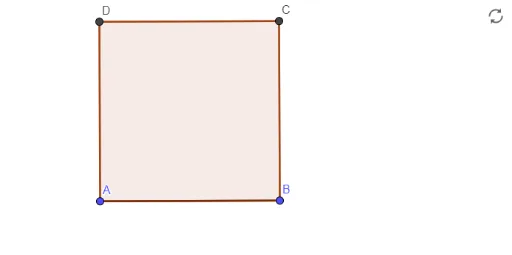
This example demonstrates how to construct the incircle of a given square, where the circle is tangent to all four sides of the square. The core mathematical concepts include tangent properties of circles, symmetry of squares and circles, and logical steps in geometric construction. Construction highlights: using GeoGebra commands Segment and Polygon to first build the square (objects A, B, f, poly1), then determining the center via diagonals or midpoints, and setting the radius using perpendiculars or distances, finally generating the incircle (involving objects g, h, i, j, C, D). Suitable for middle school geometry lessons to understand the definition of an incircle, how to locate its center and radius, and the rigor of geometric construction.
GeoGebra Commands & Parameters
Segment(A, B) → fPolygon(A, B, 4) → poly1, g, h, i, j, C, D
AI Drawing Prompt Reference
Draw a square and then inscribe a circle that is tangent to all four sides. Start by drawing a line segment with points A and B, then construct a square with A and B as two of its vertices. Next, find the center of the square, which will be the center of the circle. Finally, draw a circle centered at the square's center and tangent to all four sides of the square.
The prompt above was compiled from the original drawing commands and is for reference only.