
Incircle of a Triangle Construction
Loading the math board and drawing, please wait…
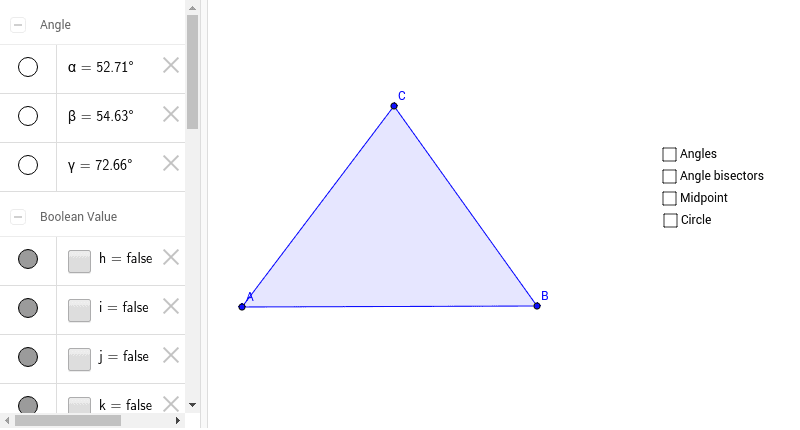
This GeoGebra example guides learners through the construction of a triangle's incircle, the circle inscribed within a triangle tangent to all three sides. It demonstrates the concurrency of angle bisectors at the incenter, and how to use GeoGebra commands (Polygon, Angle, AngularBisector, Intersect, Circle) and objects (triangle vertices A, B, C, angle bisectors, intersection point, and the incircle itself) to dynamically construct the incircle. Suitable for middle and high school geometry students learning about triangle centers, angle bisectors, and inscribed circles. Key concepts include triangle, incircle, angle bisector, incenter, and circle construction.
GeoGebra Commands & Parameters
Polygon(A, B, C) → poly1, c, a, bAngle(poly1) → α, β, γAngularBisector(C, A, B) → dAngularBisector(A, B, C) → eAngularBisector(A, C, B) → fIntersect(d, e) → MIntersect(e, b) → EIntersect(d, a) → FIntersect(f, c) → GCircle(M, F) → g
AI Drawing Prompt Reference
Draw an arbitrary triangle and construct its incircle. Start by plotting three vertices and connecting them to form a triangle. Then construct the angle bisectors for each of the three interior angles; these three bisectors intersect at a single point, the incenter. From the incenter, drop a perpendicular to any side of the triangle, marking the foot on that side. Finally, draw a circle centered at the incenter with radius equal to the distance from the incenter to that foot. This circle is tangent to all three sides of the triangle.
The prompt above was compiled from the original drawing commands and is for reference only.