
IM Alg2.2.11 Practice: Finding Intersections
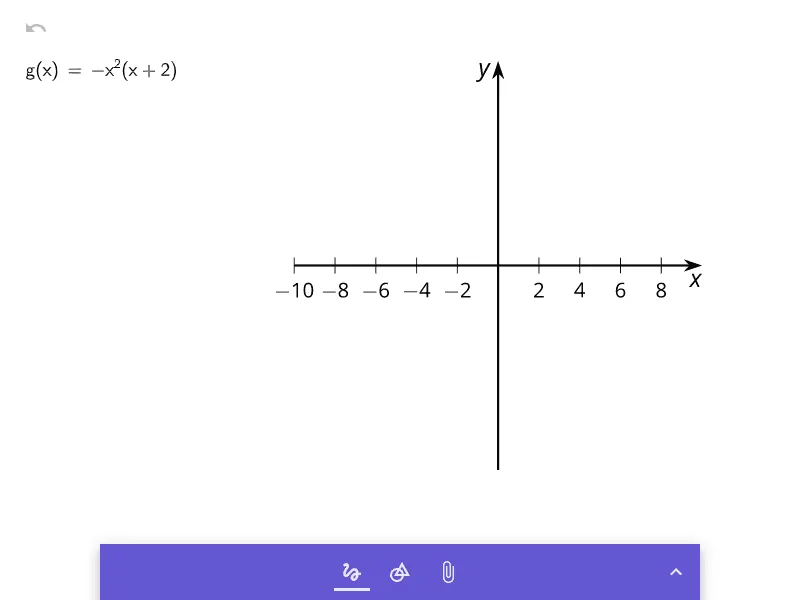
Loading the math board and drawing, please wait…
This example demonstrates how to find the intersection points of two function graphs, a core practice in Algebra 2 for solving systems of equations. It involves the mathematical concepts of solving simultaneous equations, understanding the geometric meaning of intersection points, and analyzing how parameters affect the solution. The construction uses a picture object (pic1) and a parameter 'a', likely via a slider or input, to dynamically explore how changing the parameter shifts the graphs and alters the intersection. This is suitable for high school Algebra 2 students to reinforce their skills in solving equations graphically and algebraically, and can be used for classroom demonstration or independent practice.
GeoGebra Commands & Parameters
Formula a
AI Drawing Prompt Reference
Draw two function graphs and show their intersection points. Use a parameter to control the position of one function graph, which can be adjusted using a slider. Display the coordinates of the intersection points and explain how changing the parameter affects the position of the function graphs and the intersection points.
The prompt above was compiled from the original drawing commands and is for reference only.