
IM 7.7.15 Practice: Distinguishing Volume and Surface Area
Loading the math board and drawing, please wait…
This GeoGebra example demonstrates how to distinguish between volume and surface area using a three-dimensional solid (likely a prism or cylinder) with labeled dimensions and possibly an unfolded net. The core mathematical concepts are volume (the amount of 3D space occupied) and surface area (the total area of all external faces), emphasizing their different units and calculation methods. The construction uses GeoGebra commands such as Segment, Point, Ray, Rotate, and Angle, creating multiple points (A, B, C, D, etc.), segments (a, b, h), and angles (α, β) to build and annotate the solid, possibly by rotating a 2D shape to form the 3D figure. This is suitable for middle school (grades 7-8) or early high school students as a practice exercise to reinforce the conceptual difference between volume and surface area through interactive exploration.
GeoGebra Commands & Parameters
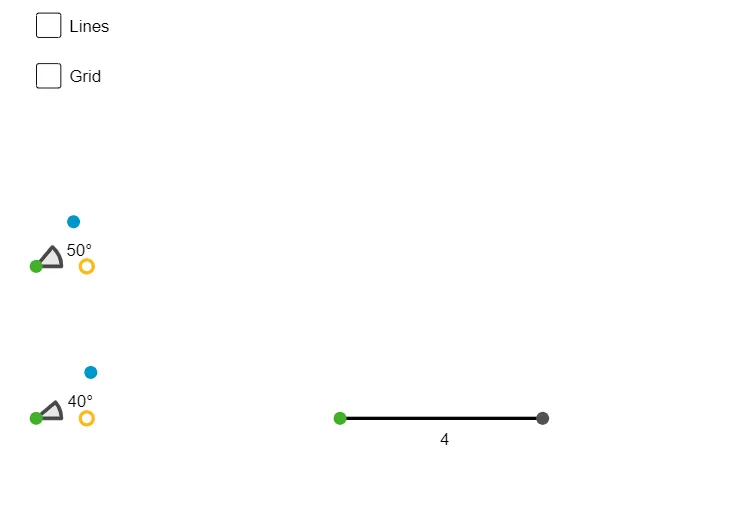
Segment(A, D) → hPoint(Circle[B, 1]) → ERay(B, E) → fPoint(Circle[C, 1]) → FRay(C, F) → gRotate(F, 50°, C) → F'Angle(F, C, F') → αRotate(E, 40°, B) → E'Angle(E, B, E') → βRay(B, E) → iRay(B, E') → jRay(C, F') → lRay(C, F) → kPoint(j) → HPoint(l) → I