
Hexagonal Pyramid Construction by Andrew Hacker
Loading the math board and drawing, please wait…
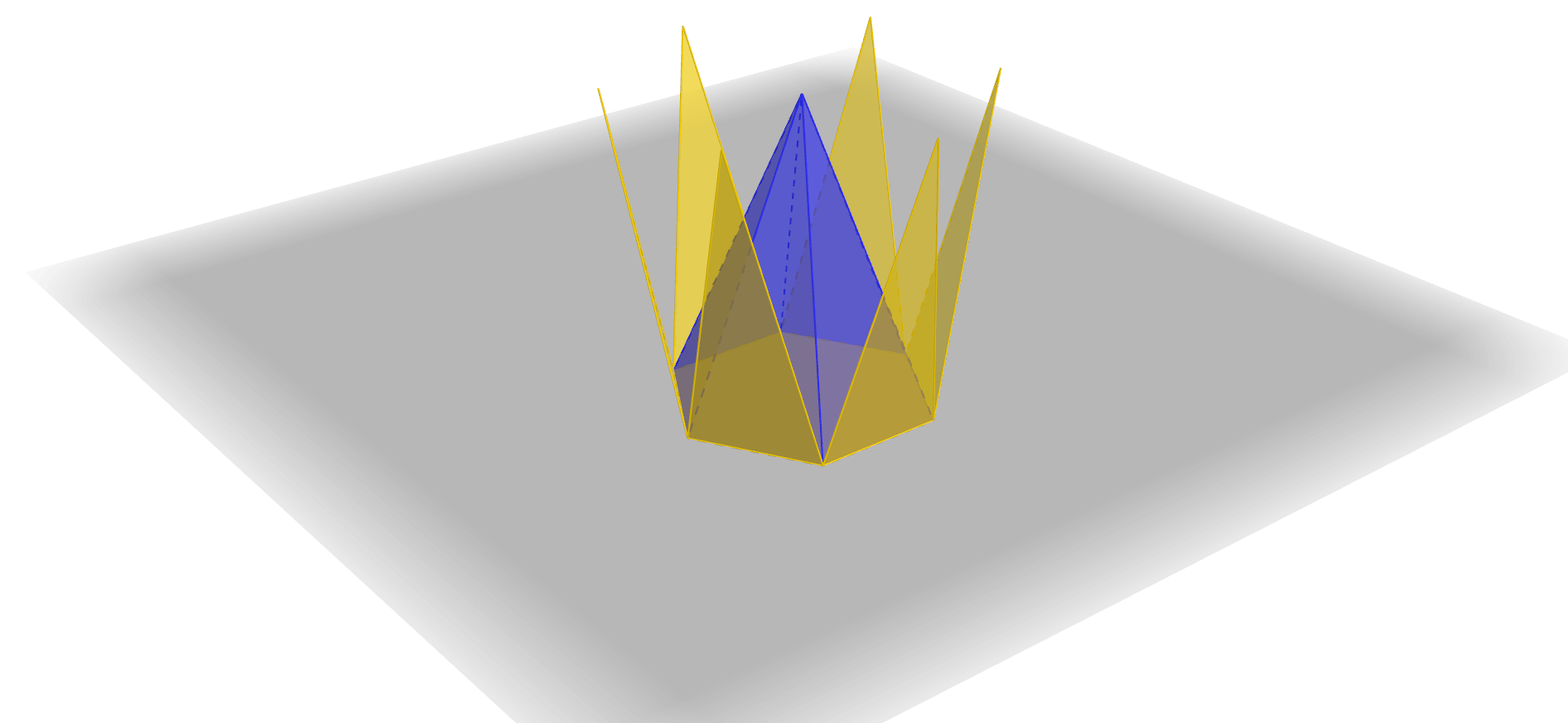
This example demonstrates the geometric construction and visualization of a hexagonal pyramid. It involves core mathematical concepts such as polygon, solid geometry, trigonometry, and differential calculus. The construction uses GeoGebra commands like Polygon, Pyramid, and Net, along with objects like A, B, a, b, c, d, e, f, C, D, E, F, g, G, faceABG, faceBCG, faceCDG, faceDEG, faceEFG, faceAFG, edgeAG, edgeBG, edgeCG, edgeDG, edgeEG, edgeFG, h, i, H, I, J, K, L, M, N, O, P, Q. It is suitable for high school solid geometry teaching and introductory mathematical modeling.
GeoGebra Commands & Parameters
Polygon(A, B, 6) → poly1, a, F, b, c, d, e, f, C, D, EPyramid(poly1, 7) → g, G, edgeCG, edgeDG, edgeEG, edgeFG, faceABG, faceBCG, faceCDG, faceDEG, faceEFG, faceAFG, edgeAG, edgeBGNet(g, h) → i, H, Q, R, S, faceHIJKLM, faceHIN, faceIJO, faceJKP, faceKLQ, faceLMR, faceHMS, I, edgeHI, edgeIJ, edgeJK, edgeKL, edgeLM, edgeHM, edgeHN, edgeIN, edgeIO, edgeJO, J, edgeJP, edgeKP, edgeKQ, edgeLQ, edgeLR, edgeMR, edgeMS, edgeHS, K, L, M, N, O, P
AI Drawing Prompt Reference
Draw a hexagonal pyramid with a hexagonal base and a vertex. First, draw a hexagon, then construct the pyramid with the hexagon as the base and the vertex as the apex.
The prompt above was compiled from the original drawing commands and is for reference only.