
Guess the Norm
Loading the math board and drawing, please wait…
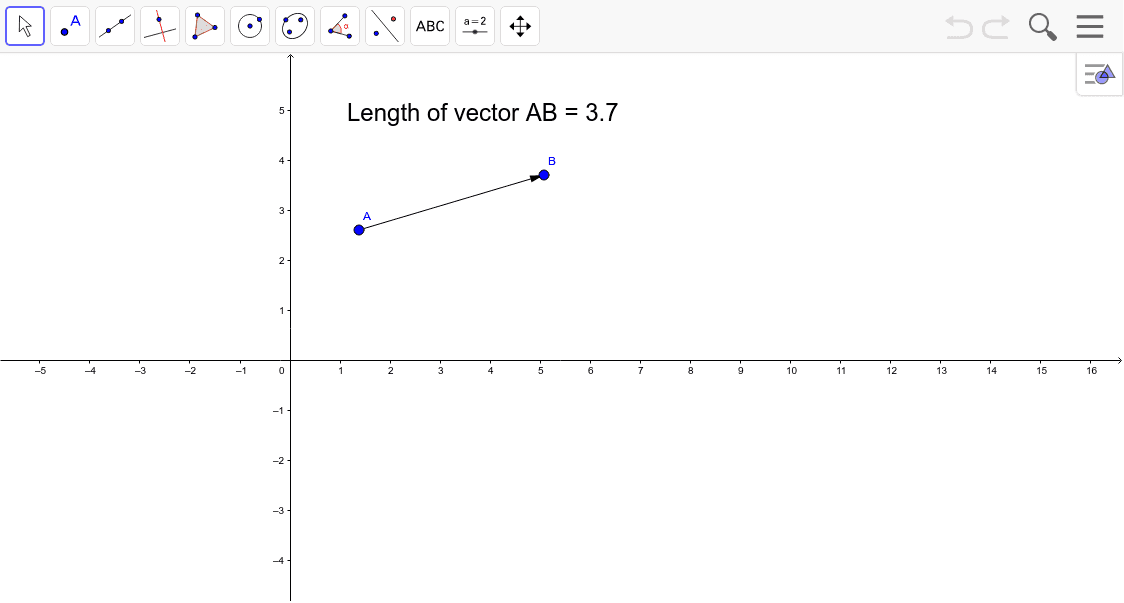
① This interactive GeoGebra applet challenges students to identify which vector norm is being used by observing the geometric behavior of vectors and their lengths. ② It covers core concepts of vector norms, including Euclidean, Manhattan (L1), and Chebyshev (L∞) norms, and how the unit circle (or ball) changes shape under different norms, illustrating the metric's influence on distance measurement. ③ Construction details: based on the summary, the applet uses the Vector command to create vectors, the Max command to compute the maximum component (likely for Chebyshev norm), with objects A, B, u, L, and text1, allowing dynamic manipulation to compare norm calculations. ④ It is suitable for high school advanced or undergraduate linear algebra, analysis, or geometry courses, serving as an inquiry-based learning tool for students to explore norm properties, or as a classroom demonstration for teachers.
GeoGebra Commands & Parameters
Vector(A, B) → uMax(abs(x(A) - x(B)), abs(y(A) - y(B))) → L
AI Drawing Prompt Reference
Create an interactive visualization showing three vector norms: Euclidean, Manhattan, and Chebyshev. Adjust vectors dynamically using a slider to observe how the unit circle changes shape under different norms. Include vector representations, coordinate geometry elements, and inequality graphics, with the maximum component calculated for the Chebyshev norm to compare distance measurements across norms, ideal for exploring vector properties and metric concepts.
The prompt above was compiled from the original drawing commands and is for reference only.