
Graphing Rational Functions and Analyzing Properties
Loading the math board and drawing, please wait…
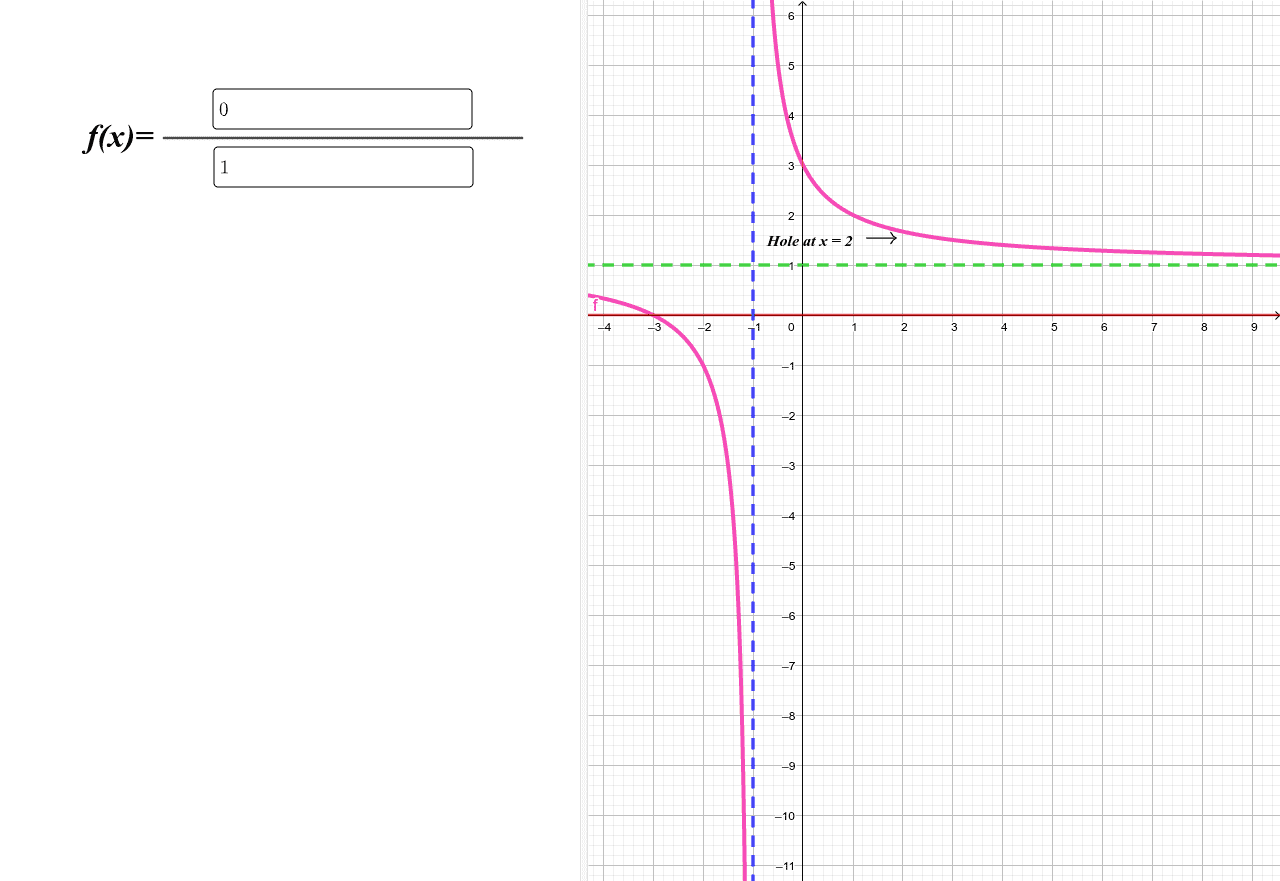
This example demonstrates the graphing of rational functions and their basic properties. The key mathematical concepts involved include function definition, algebraic operations, image transformations, and symmetry. Construction points include using GeoGebra commands such as Textfield, Segment, InputBox to create function equations, input parameters, and generate graphs. Suitable for high school students or college undergraduates for practical practice in understanding function graphs and algebraic relationships.
GeoGebra Commands & Parameters
Textfield(g) → InputBox1Textfield(h) → InputBox2Segment(C, D) → i
AI Drawing Prompt Reference
Create a graph of a rational function and analyze its key properties. Include two editable input fields for entering the function expression and parameters, with a segment connecting two points as a visual reference. Arrange the layout to clearly show the relationship between the input controls and the function curve, facilitating observation of transformations and symmetry. Start by placing the input fields, then draw the reference segment, and finally generate the curve.
The prompt above was compiled from the original drawing commands and is for reference only.