
Graphical Addition of Vectors: Triangle and Parallelogram Law
Loading the math board and drawing, please wait…
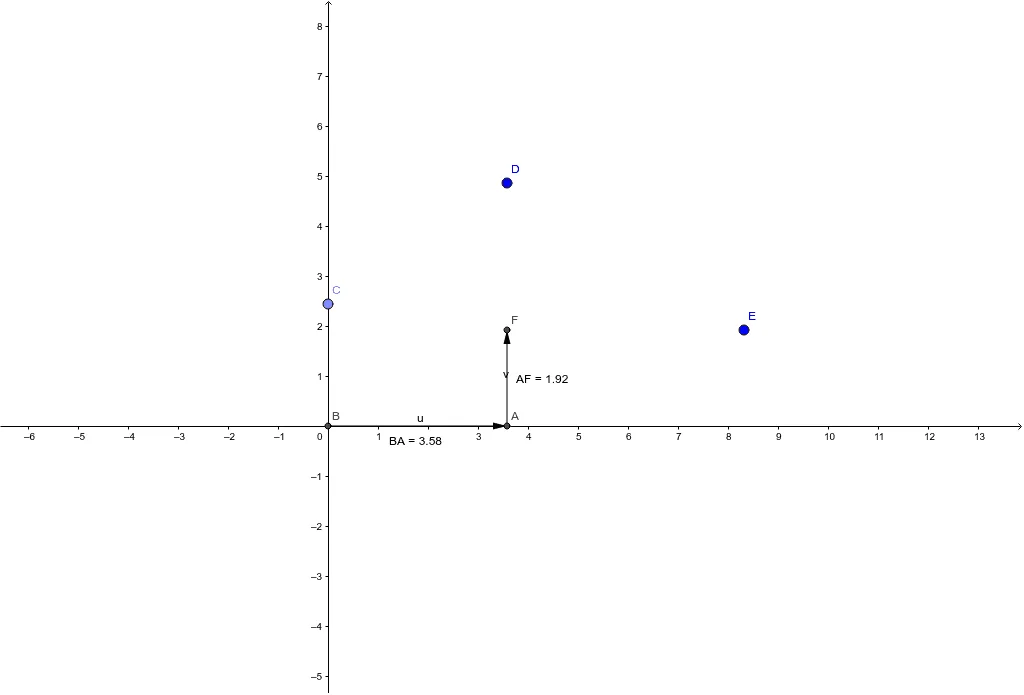
① This GeoGebra example demonstrates the graphical addition of two vectors (u and v) using the triangle law and parallelogram law, showing the resultant vector (Resultant) in a dynamic geometric construction. ② Core mathematical concepts include vector addition, vector decomposition, right triangles, distance measurement, and applications of vectors in geometric distribution and statistics. ③ Construction details: The example uses GeoGebra commands such as Intersect, Point, OrthogonalLine, Vector, and Distance to create points B, C, D, E, F, G, lines f and g, vectors u, v, w, distance objects distanceBA, distanceAF, distanceFG, text labels TextBA and TextAF, and finally the resultant vector a. ④ Suitable for high school and early college students learning vector operations, geometric construction, and mathematical visualization, as well as for teachers demonstrating the geometric meaning of vector addition in class.
GeoGebra Commands & Parameters
Intersect(xAxis, yAxis) → BPoint(yAxis) → COrthogonalLine(D, xAxis) → fIntersect(f, xAxis) → AOrthogonalLine(E, f) → gIntersect(g, f) → FVector(B, A) → uVector(A, F) → vDistance(B, A) → distanceBADistance(A, F) → distanceAFVector(F, G) → wDistance(F, G) → distanceFGVector(B, G) → a