
Graph the Line
Loading the math board and drawing, please wait…
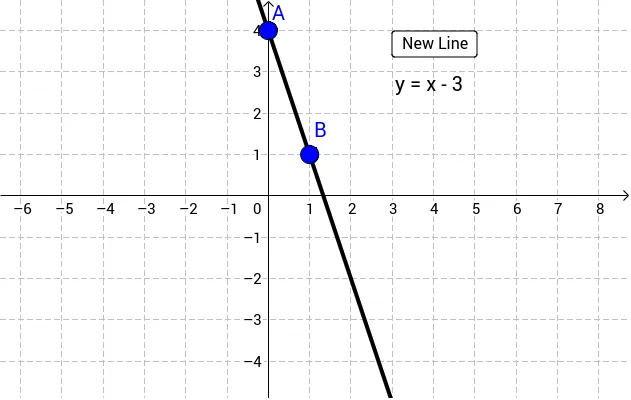
This example demonstrates how to graph a line by dragging points A and B. It involves core math concepts like function graphs, linear equations, and linear functions. Constructed using the Line command and objects such as a, button1, text1, A, B, b, text2. Suitable for middle school and above students learning function graphing and linear equations, or for classroom demonstrations.
GeoGebra Commands & Parameters
Line(A, B) → b
AI Drawing Prompt Reference
Draw a line by dragging two points to demonstrate the relationship between linear equations and function graphs, suitable for middle school students and above learning function graphing and linear equations.
The prompt above was compiled from the original drawing commands and is for reference only.