
Geometry Kite Exploration: Symmetry and Step Functions
Loading the math board and drawing, please wait…
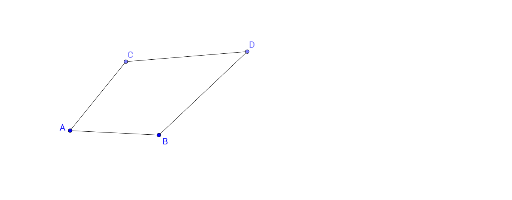
This example demonstrates kite shapes using geometric constructions and explores symmetry and step functions. Key math concepts include symmetry, step functions, ellipses, and derivatives. Construction involves commands like Circle, Point, Segment, and AngularBisector. Suitable for middle school students learning geometry and functions, or for math teaching demonstrations.
GeoGebra Commands & Parameters
Circle(A, B) → cPoint(c) → CSegment(A, C) → aSegment(A, B) → bAngularBisector(B, A, C) → dPoint(d) → DSegment(C, D) → eSegment(B, D) → f
AI Drawing Prompt Reference
Draw a circle with center A, and select a point C on the circle. Connect A to C and B to form two line segments. Construct the angle bisector of the angle between these two segments, then pick a point D on the bisector. Connect C to D and B to D to create a symmetrical quadrilateral kite shape, demonstrating geometric symmetry.
The prompt above was compiled from the original drawing commands and is for reference only.