
Geometric Designs with Lines and Circles
Loading the math board and drawing, please wait…
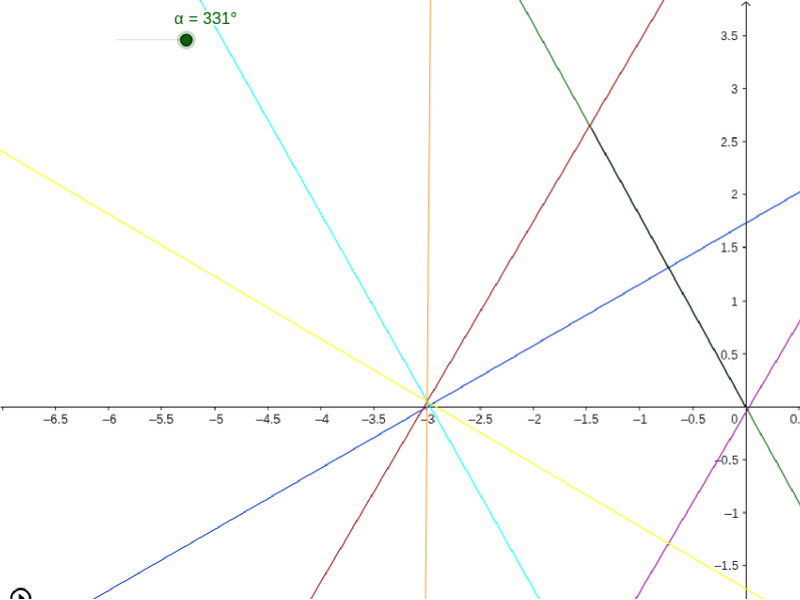
This example demonstrates how to create complex geometric patterns using intersections of lines and circles. Core math concepts include circles, straight lines, intersection points, and geometric construction. Construction highlights involve commands like Intersect, Circle, Segment, Line, and objects such as α, O, c, A, a, b, B, d, C, D, e, E, F, f, G, H, g, I, J, h, K, L, k, X, i, U, j, V, l, W, m, Y, n, Z, p. Suitable for 6th to 9th grade students learning geometric constructions and pattern design.
GeoGebra Commands & Parameters
Intersect(xAxis, yAxis) → OCircle(O, 3) → cSegment(A, O) → aLine(O, A) → bIntersect(c, xAxis, 2) → BCircle(B, O) → dIntersect(c, d) → C, D, ,Circle(C, O) → eIntersect(e, c) → E, F, ,Circle(F, O) → fIntersect(f, c) → G, H, ,Circle(H, O) → gIntersect(g, c) → I, J, ,Circle(J, O) → hIntersect(h, c) → K, L, ,Circle(D, O) → kLine(C, X) → iLine(B, U) → jLine(V, D) → lLine(W, J) → mLine(Y, H) → nLine(Z, F) → p
AI Drawing Prompt Reference
Draw a complex geometric pattern using lines and circles, starting with the intersection of coordinate axes, then draw a circle centered at the origin, and continue by intersecting this circle with the axes to create new circles and lines, repeating the process to form a layered pattern of intersecting circles and lines that creates a dynamic geometric artwork.
The prompt above was compiled from the original drawing commands and is for reference only.