
GeoGebra Geometric Construction and Function Demo
Loading the math board and drawing, please wait…
In collections
El dominio del Tiempo (cinemática intuitiva)
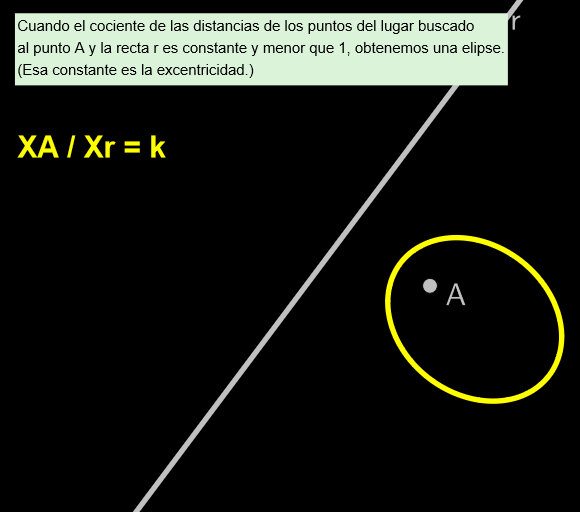
This example demonstrates how to use GeoGebra for geometric construction and function graphing. Key mathematical concepts include vectors, functions, geometric construction, and limits. The construction involves commands like Segment, Line, and ClosestPoint, with slider animations to dynamically adjust the graphics. Suitable for high school students or college freshmen to learn basic geometry and function concepts.
GeoGebra Commands & Parameters
Segment(C, A) → s1Line((0, 0), (3, 4)) → rClosestPoint(r, C) → PdSegment(C, Pd) → s2
AI Drawing Prompt Reference
Draw an example graph that includes vectors, function graphs, and geometric constructions. The graph contains a line segment defined by two endpoints, a line, and a point. The line has endpoints at (0, 0) and (3, 4). The point is the closest point to the line and the line segment. The other endpoint of the line segment is a vector C. Please draw the graph based on these information, including the key objects and their relationships of vectors, function graphs, and geometric constructions.
The prompt above was compiled from the original drawing commands and is for reference only.