
Function Transformations: Translations, Stretches, Compressions, and Reflections
Loading the math board and drawing, please wait…
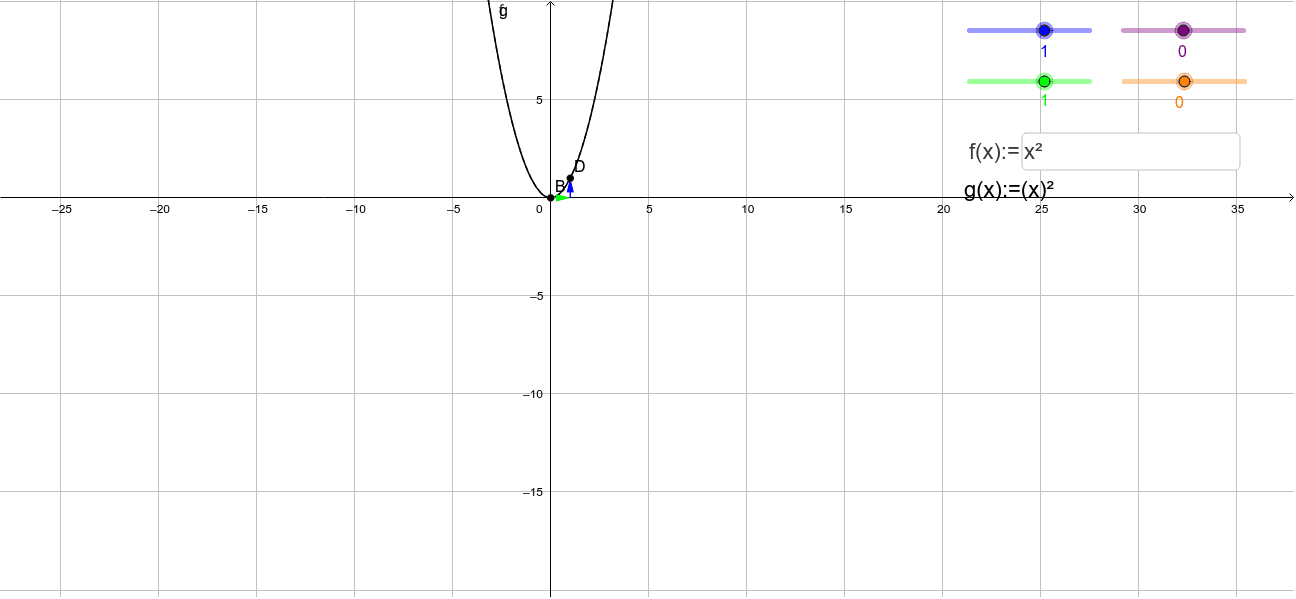
This interactive GeoGebra worksheet is designed to help students visualize and understand how algebraic operations—specifically addition and multiplication—affect the graph of a parent function through translations, vertical/horizontal stretches, compressions, and reflections. The core mathematical concepts include function transformations, coordinate geometry mappings, the roles of parameters a, b, h, k in the general transformation form, and symmetry. In terms of construction, it utilizes GeoGebra commands such as Textfield for display, Vector for directional indicators, and interactive objects like InputBox and variables (h, b, k, a, f, g) to allow dynamic input and real-time graph updates. It is highly suitable for high school algebra, precalculus, or college-level calculus courses teaching graphical transformations.
GeoGebra Commands & Parameters
Textfield(f) → InputBox1Vector(A, (x(C), y(A))) → uVector((x(C), y(A)), C) → vVector(B, (x(D), y(B))) → wVector((x(D), y(B)), D) → cVector(A, (x(B), y(A))) → dVector((x(B), y(A)), B) → e
AI Drawing Prompt Reference
Draw a coordinate plane with an editable base function entered via an input box, and its transformed version governed by parameters a, b, h, and k. Show corresponding points on the two curves and connect them with horizontal and vertical displacement vectors that illustrate translation, stretching, compression, and reflection. Include sliders for the parameters so the graph updates in real time, making the effect of each transformation visually clear.
The prompt above was compiled from the original drawing commands and is for reference only.